Plugins and companion tools by Johnneylee Jack Rollins. Most bring your own computer into the game: a real terminal, your desktop's windows, your own classic games, an MCP server for AI clients, and a local AI that lives on your GPU. Three are simpler: a lantern your friends see lit, a soft pointer that shows the way, and a Pandora radio. Everything is open source, built in public, and runs on your machine.
These are early. Most of what these pages describe is built and covered by tests that run outside the game, and much of it has not yet been verified in game. Each mod's page says where it stands. Selected live checks are recorded on each project’s page; broader acceptance and new publication screenshots remain pending.
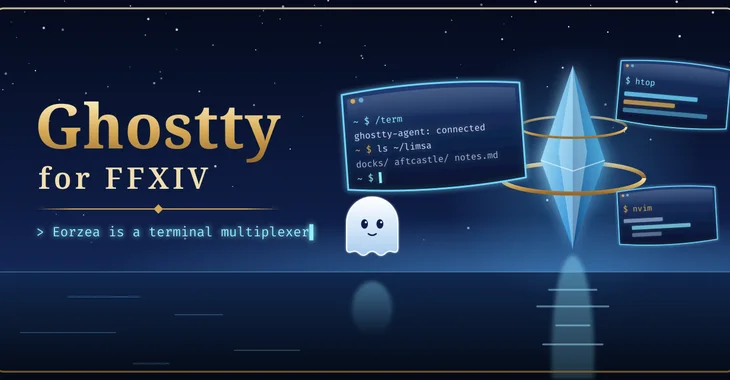
Quake-style dropdown, floating windows and terminals pinned in the world, connected to shells on your own machine through ghostty-agent. /term to toggle. Works with or without Umbra; with Umbra, the Ghostty toolbar widget shows its status and a popup terminal.
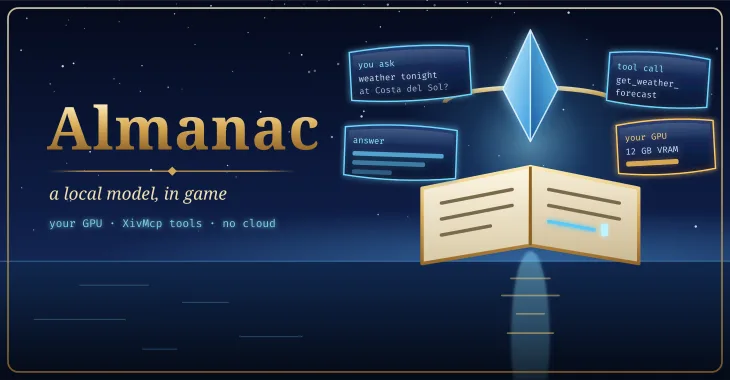
Talk to a local AI model in game, with XivMcp's tools.
Connects a model running on your own PC (Ollama, LM Studio, llama.cpp or any OpenAI-compatible server) to the game through XivMcp. Setup wizard with GPU-aware model recommendations, an in-game chat with threads and streaming, and a benchmark you can share with the community leaderboard. No cloud, no Python. Requires the XivMcp plugin for game tools.
stable and testing builds · live coverage remains limited
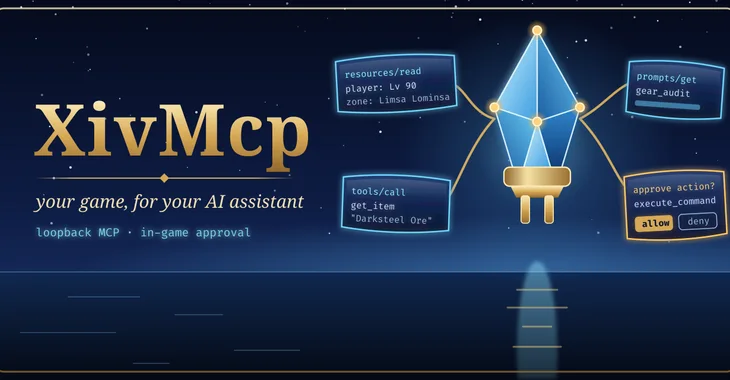
Model Context Protocol server for FINAL FANTASY XIV.
Exposes game state, game data and opt-in actions to MCP clients over loopback Streamable HTTP. Anything that changes your game is approved in game first. Optional Umbra toolbar widget.
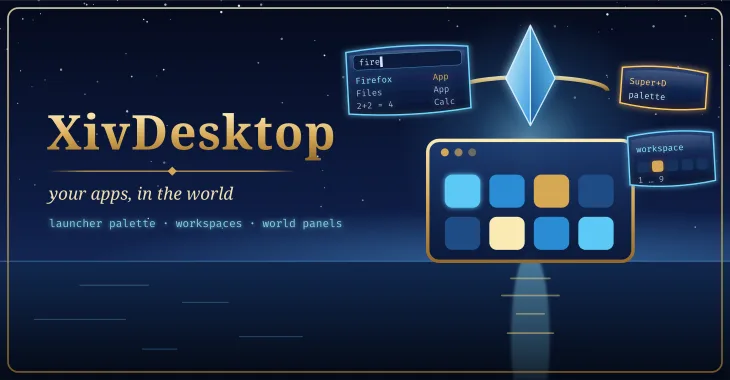
An app launcher for FINAL FANTASY XIV running under Wine on Linux. Lists the host's freedesktop applications and opens them as world panels through Ghostty's remote windows. Optional Umbra toolbar widget.
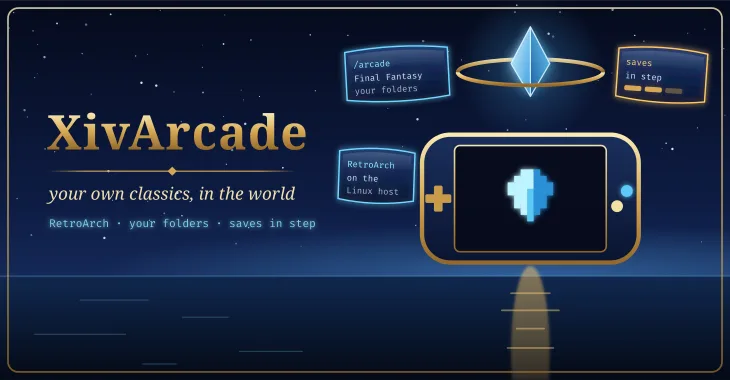
Your own classic games as game panels, with saves kept in step across your machines.
A library for the classic games you own, for FINAL FANTASY XIV running under Wine on Linux. /arcade lists the game files in folders you choose, starts them in RetroArch on the Linux host, and shows them as world panels through Ghostty when it is installed. Every save and save state lives in one folder that Syncthing copies between your machines. It downloads no games, BIOS files or artwork.
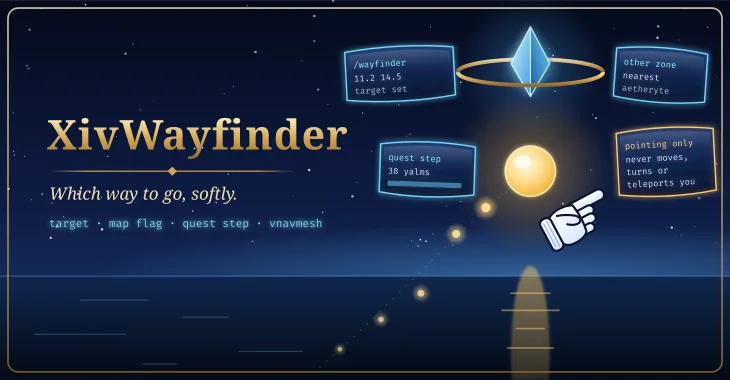
A softly glowing bead and the classic pointing glove show which way to go.
XivWayfinder points the way in FINAL FANTASY XIV: a softly pulsing bead floats a couple of yalms ahead of you in the direction to go, and the game's own white pointing glove points there too, sliding to the edge of the screen when the way is behind you. It follows, in order, a target you set with /wayfinder X Y or another plugin sets over IPC, your map flag, and your tracked quest's next step; in another zone it names the nearest aetheryte instead. With vnavmesh installed it points along the walkable path. It only points and never moves your character.
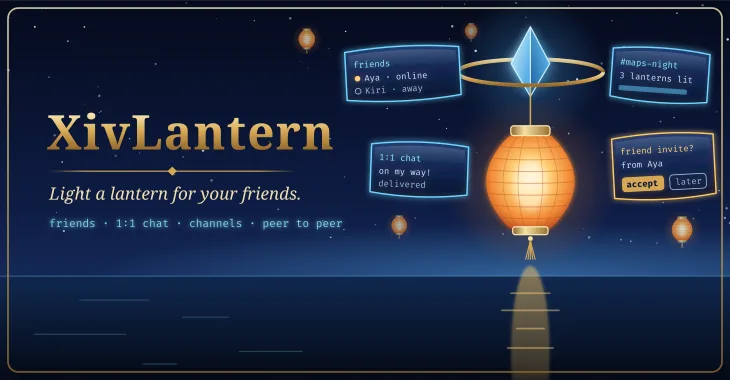
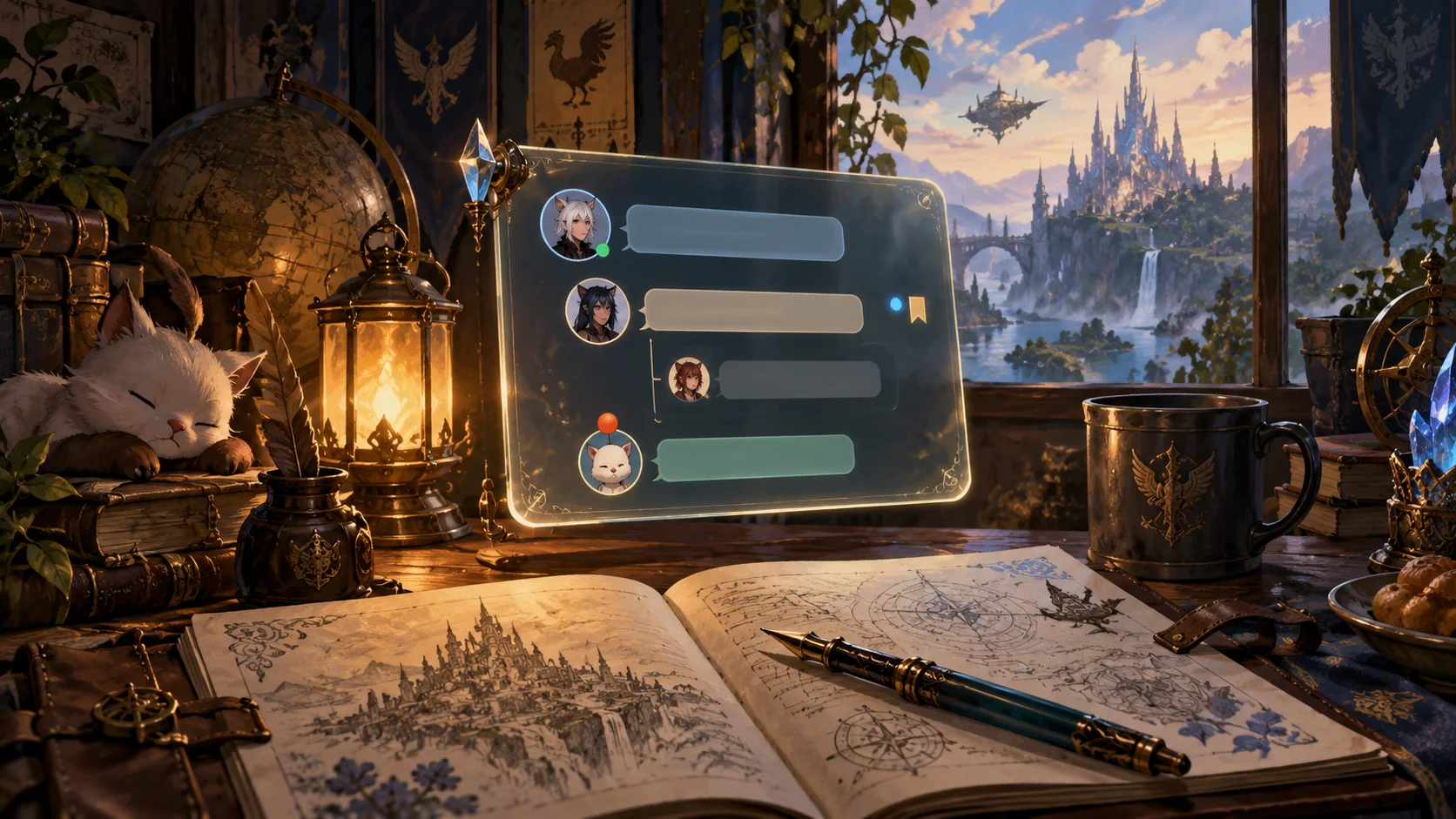
Light a lantern for your friends: a friend list, 1:1 chat and channels of your own, peer to peer.
Friends light a lantern to say they are here. Add friends with a one-time invite, see whose lantern is lit, chat 1:1 and in channels you make, and hear from the mod's author in a channel only they can post to. Peer to peer over iroh: no Lantern server, and nothing from the game is ever sent — not your character's name, world or chat; your friends see the name you type. Off until you turn it on in settings, where it says exactly who can see what (including that relays see your IP address, and how to turn them off). Blocking, rate limits and no auto-accept.
released · newer communication work remains experimental
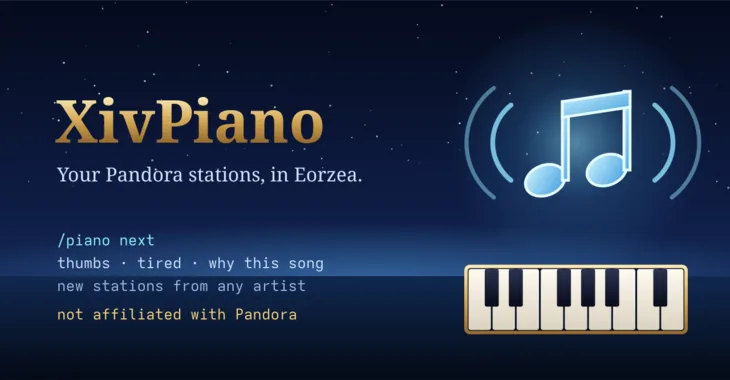
Your Pandora stations inside FFXIV: play, skip, thumbs, new stations.
XivPiano is a Pandora radio player inside FINAL FANTASY XIV, in the tradition of pianobar and Pithos. Sign in with your Pandora account and play your stations, skip, thumbs up or down, shelve a song you are tired of, bookmark it, ask why it was picked, and make new stations from an artist, a song or a genre. The song shows in the server info bar; /piano next and friends work from chat and macros, and other plugins can control it over IPC. It can mute the game's music while it plays and pause itself during cutscenes. Pandora is only available in the United States. Not affiliated with Pandora or Sirius XM.
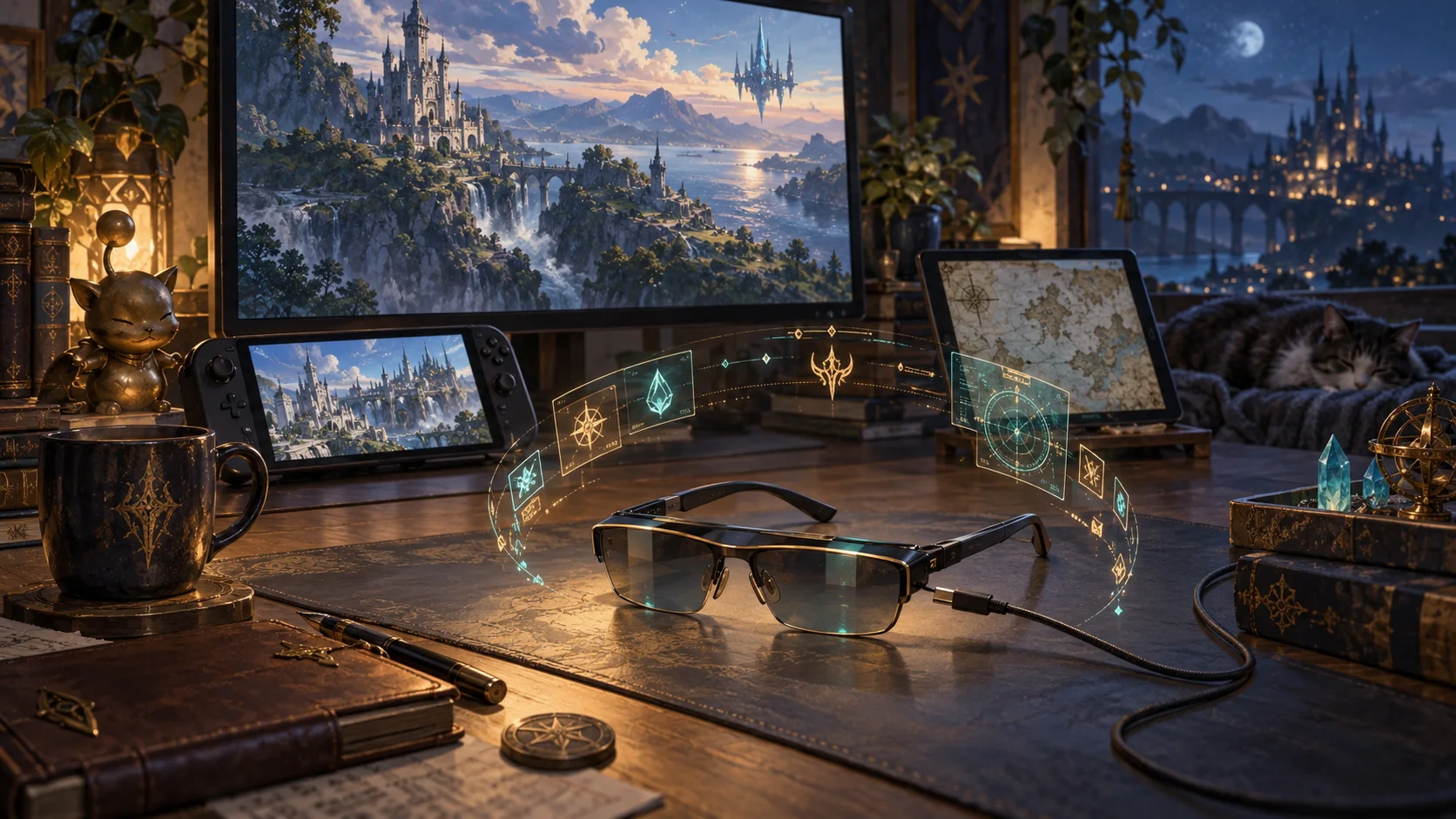
A companion HUD project for glasses, extra monitors, phones and tablets. A standalone Prism app and combined presentation in native Moonlight share the same layouts.
design preview; live plugin and native companion apps are not released
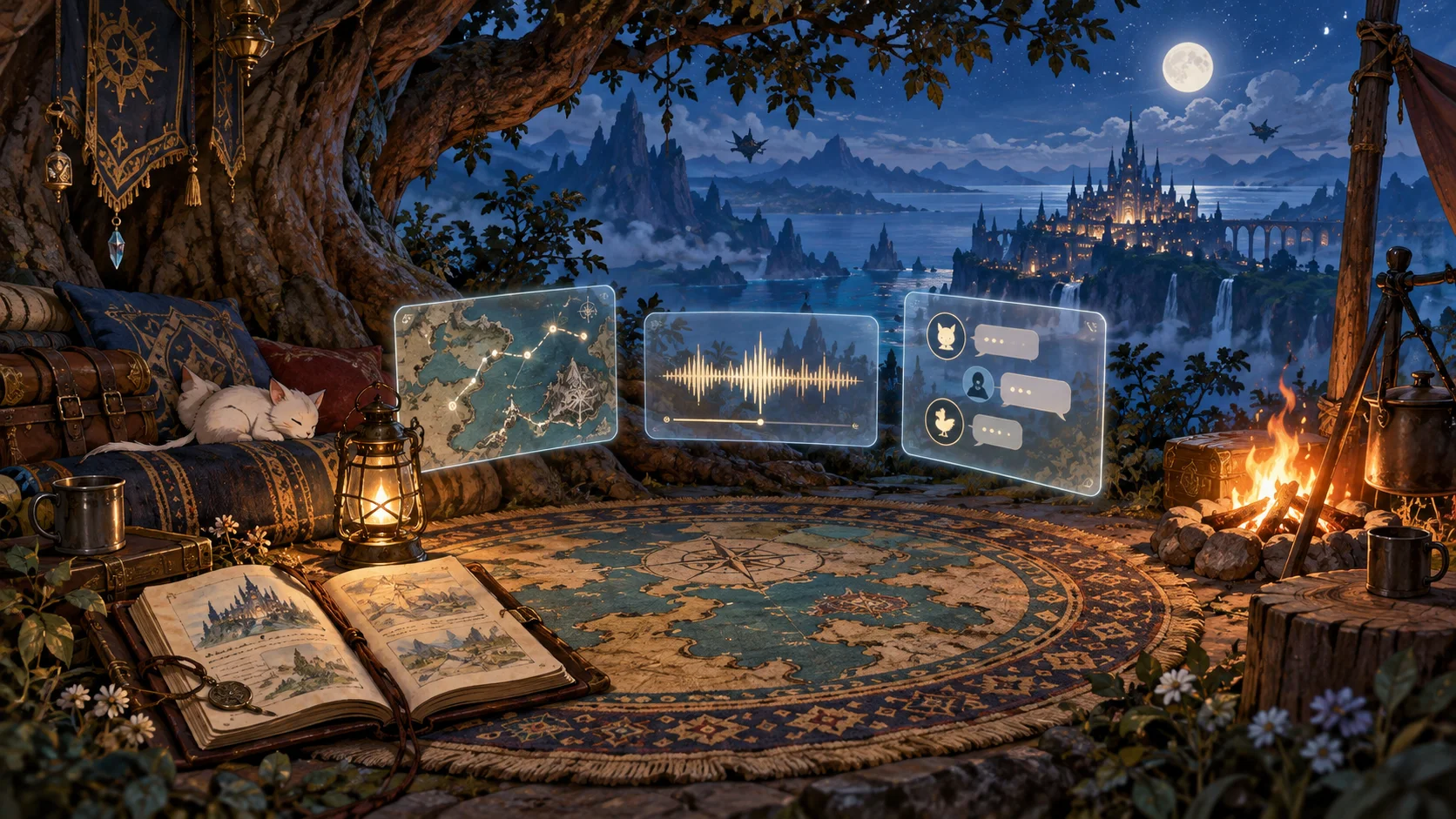
A saved-layout project for your map rug, journal, music, conversations and world windows. Make a campfire, work corner or adventure arrangement and return to it.
design preview; live plugin and native companion apps are not released
Each plugin works alone, and they talk to each other through Dalamud IPC when they are installed side by side. Ghostty puts terminals and, on Linux, desktop windows into the world as panels. XivDesktop sits on top of it with a launcher, workspaces and a taskbar. XivMcp exposes the game to AI clients, with an in-game approval for anything that changes your game. Almanac runs a local model and uses XivMcp's tools to answer questions about your game. XivArcade shows your own classic games as Ghostty panels, and XivDesktop's launcher finds them. XivWayfinder, XivLantern and XivPiano stand alone, and each offers IPC for other plugins to call.
Install
One repository for all of them, or build any of them yourself as a dev plugin. Both paths are kept on purpose.
https://spacegho.st/mods/ffxiv/plugins.json
In game: /xlsettings → Experimental → Custom Plugin Repositories → paste, +, Save and Close. The plugin repository page walks through it, explains test builds, and covers the build-it-yourself path for every mod.