plugin · open source · experimental
XivPrism
Your HUD, wherever you look.
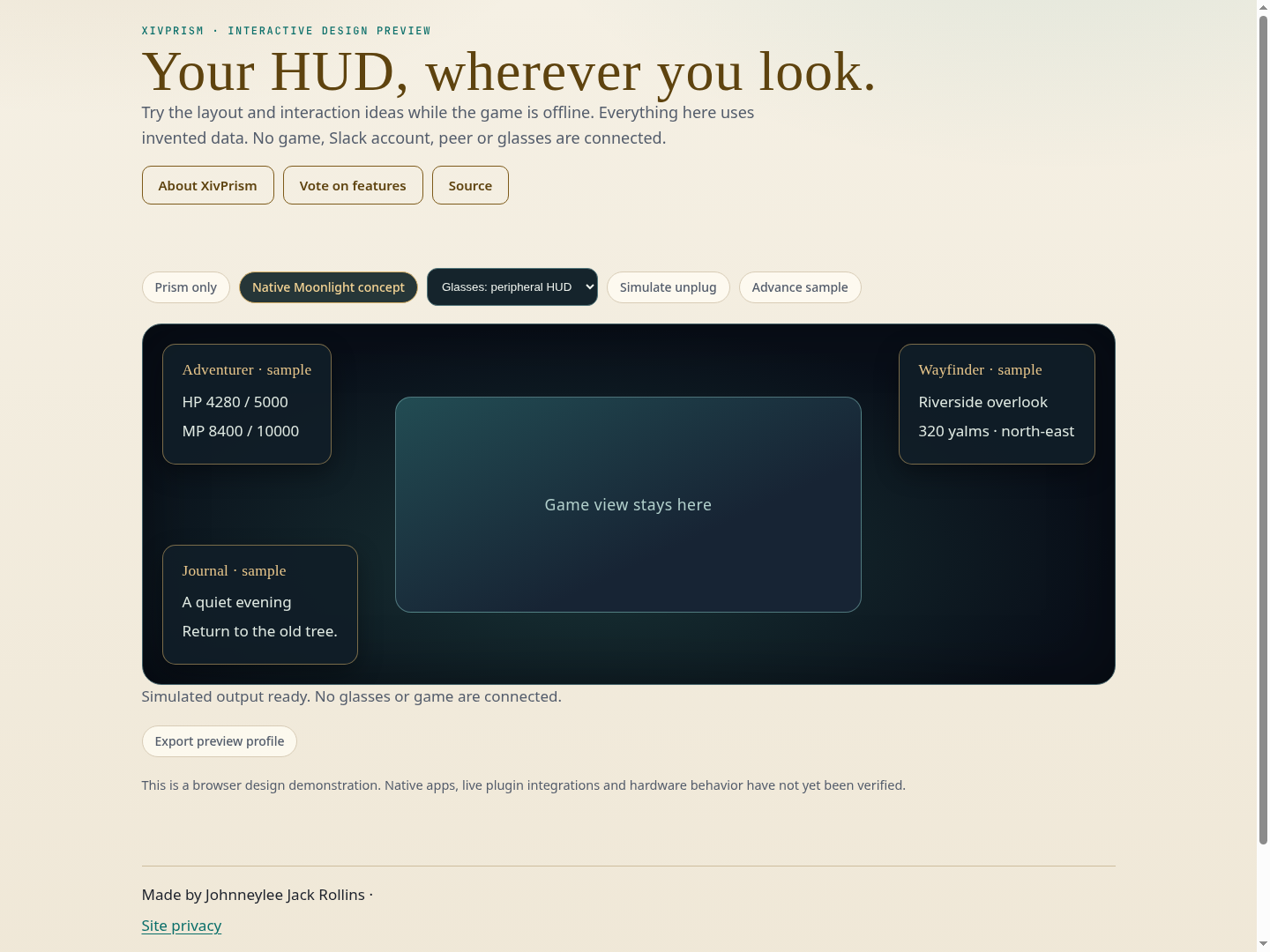
A paired, read-only standalone companion HUD for player, target, party, Wayfinder guidance and Piano now playing. Layout profiles stay on the receiving device. Native Moonlight composition and device-specific apps remain separate milestones.
development · live plugin integration checked. The plugin loaded in the running Wine game and served its paired viewer over the private tailnet. Actual game data rendered in desktop and phone-size Chromium viewports. Tests also cover stale hiding, revocation, parser bounds and local layout export. Specific glasses, native device shells and Moonlight composition remain unverified.
A little more room to see
Keep the game on its screen and open Prism in another browser window, monitor, phone or tablet. The standalone viewer shows live player and target resources, party readings, guidance and public now-playing information. No simulated data appears in the live view.
Pair from your game
Open /xivprism, enable its viewer, and enter the game’s pairing code at the displayed viewer address. Codes expire and rotate after use. Logout and revocation remove access. For another device, use a trusted private network or encrypted tunnel.
Your display, your layout
Choose peripheral or desk layouts, arrange panels, go full screen and save local profiles. Exported layouts contain settings rather than game facts. Missing or stale game data is hidden. Camp can suggest one of your saved profiles, which you can choose to use.
Within the Umbra family
Umbra.XivPrism.dll adds its toolbar entry. Existing modules keep their own rendering, controller and world-window ownership. The state feed is read-only and carries no chat bodies, credentials or stream URLs. Explore the family.
What this release covers
This version delivers the FFXIV publisher and standalone browser viewer. Full rendered-window streaming, native Moonlight composition, native device apps, glasses tracking and automatic display/hotplug integration are separate work.
Install and build
Install from this project’s explicit development repository in Dalamud’s Experimental settings. Its development release includes the separate Umbra toolbar adapter DLL. Add that DLL in Umbra Settings → Plugins, restart Umbra, then add its widget.
Dalamud API 15. The Umbra toolbar adapter is optional.
Build instructions and verification records are in the project README.
Screenshots and captures
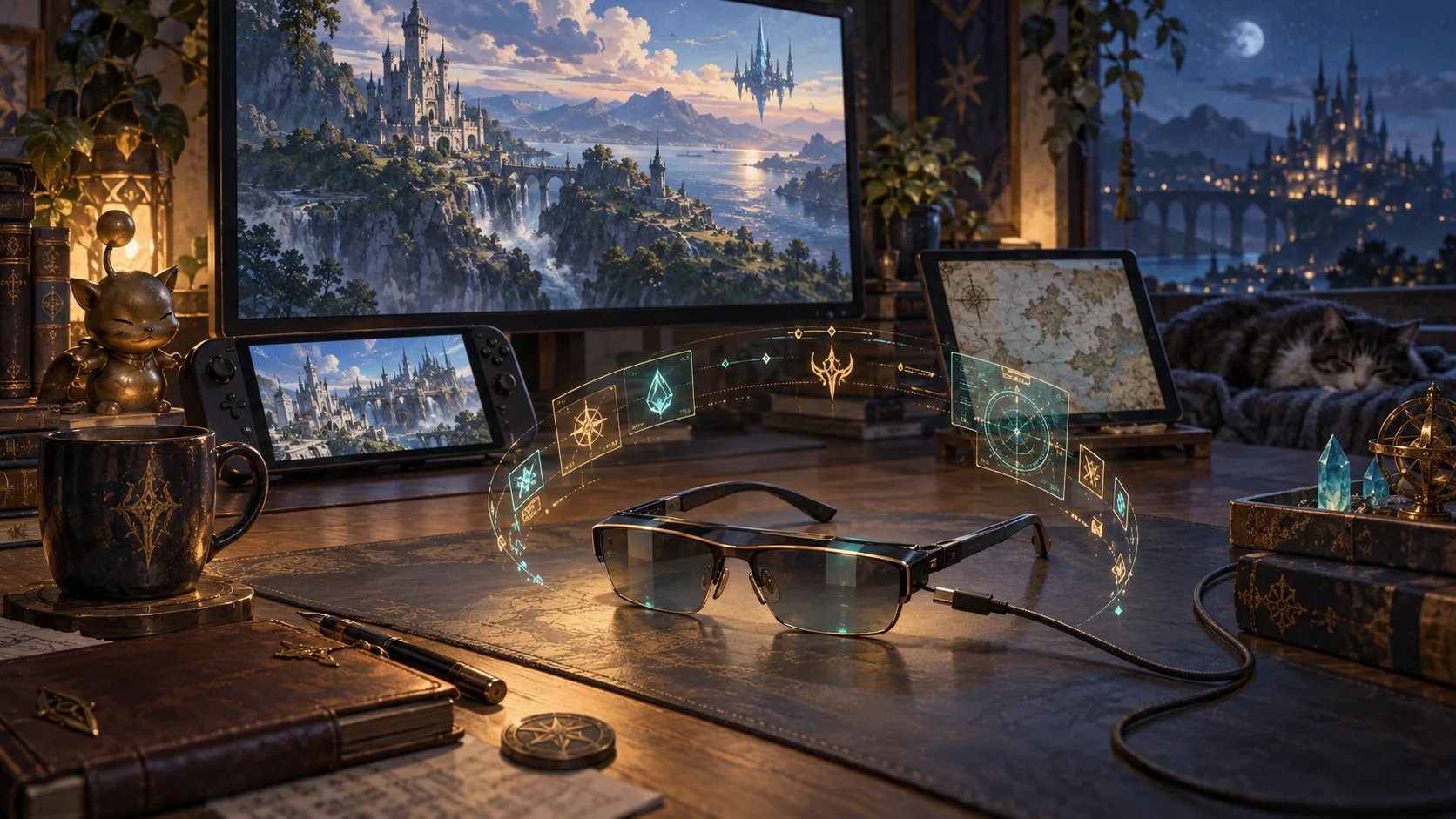
Live game screenshots have not been captured for this publication. The illustration above is artwork. The gallery accepts community screenshots with this project’s tag.
Releases and next checks
Reviewed . Release availability and live verification are tracked separately.
- development: development · package 0.1.0.0
The plugin loaded in the running Wine game and served its paired viewer over the private tailnet. Actual game data rendered in desktop and phone-size Chromium viewports. Tests also cover stale hiding, revocation, parser bounds and local layout export. Specific glasses, native device shells and Moonlight composition remain unverified.
Voted feature queue · Vote on features · Source and build instructions