Journal
Accepted quests, bookmarks and the compact tracker.
/xivjournal · Umbra.XivHud.Journal
Dalamud content · Umbra toolbar · independent windows
One family. A window wherever you need it.
Keep your journal, character, conversations and worklists together. Open each module directly, launch it from Umbra, or float its window without a terminal session.
Explore the modules Choose a window host Install development builds
Accepted quests, bookmarks and the compact tracker.
/xivjournal · Umbra.XivHud.Journal
Equipment, attributes, jobs and gear-set records.
/xivcharacter · Umbra.XivHud.Character
Passive player, target, party and status panels.
/xivvitals · Umbra.XivHud.Vitals
Saved-bar deck, cooldowns, casts and job resources.
/xivcombat · Umbra.XivHud.Combat
Session conversations and notifications.
/xivchat · Umbra.XivHud.Chat
Search carried bags, inspect HQ stacks and item details.
/xivinventory · Umbra.XivHud.Inventory
Browse recipes and combine material requirements.
/xivcrafting · Umbra.XivHud.Crafting
Host open plugin windows independently of Ghostty.
/xivwindows · Umbra.XivHud.Windows
Content, launchers and presentation are independent. Dalamud modules own their data and input. Umbra extensions add toolbar buttons. The standalone Floating Windows service owns local window textures and placement. Ghostty remains a supported host for terminals and remote desktop panels.
| Presentation | Host | What it provides |
|---|---|---|
| Screen | Dalamud | Ordinary movable plugin windows. |
| Native frame | KamiToolKit adapter | Game frames for Journal and Character. |
| Floating local window | XivHud.Windows | Companions hover near you and trail movement on springs, then settle. View, world and ground placements; zero terminal sessions. |
| Terminal or remote desktop | Ghostty | The existing terminal and streamed-window controls. |
Use /xivwindows to choose an open source window. Return one with Screen, or recover all with /xivwindows screen. Journal and Character also retain their own screen recovery commands and an explicit Ghostty-host setting.
Local floating placement does not export the game’s UI to a phone or another computer. A separate authenticated stream transport is still needed for that direction of handoff. World projections currently draw as overlays; scene occlusion and physical controller acceptance remain separate work.
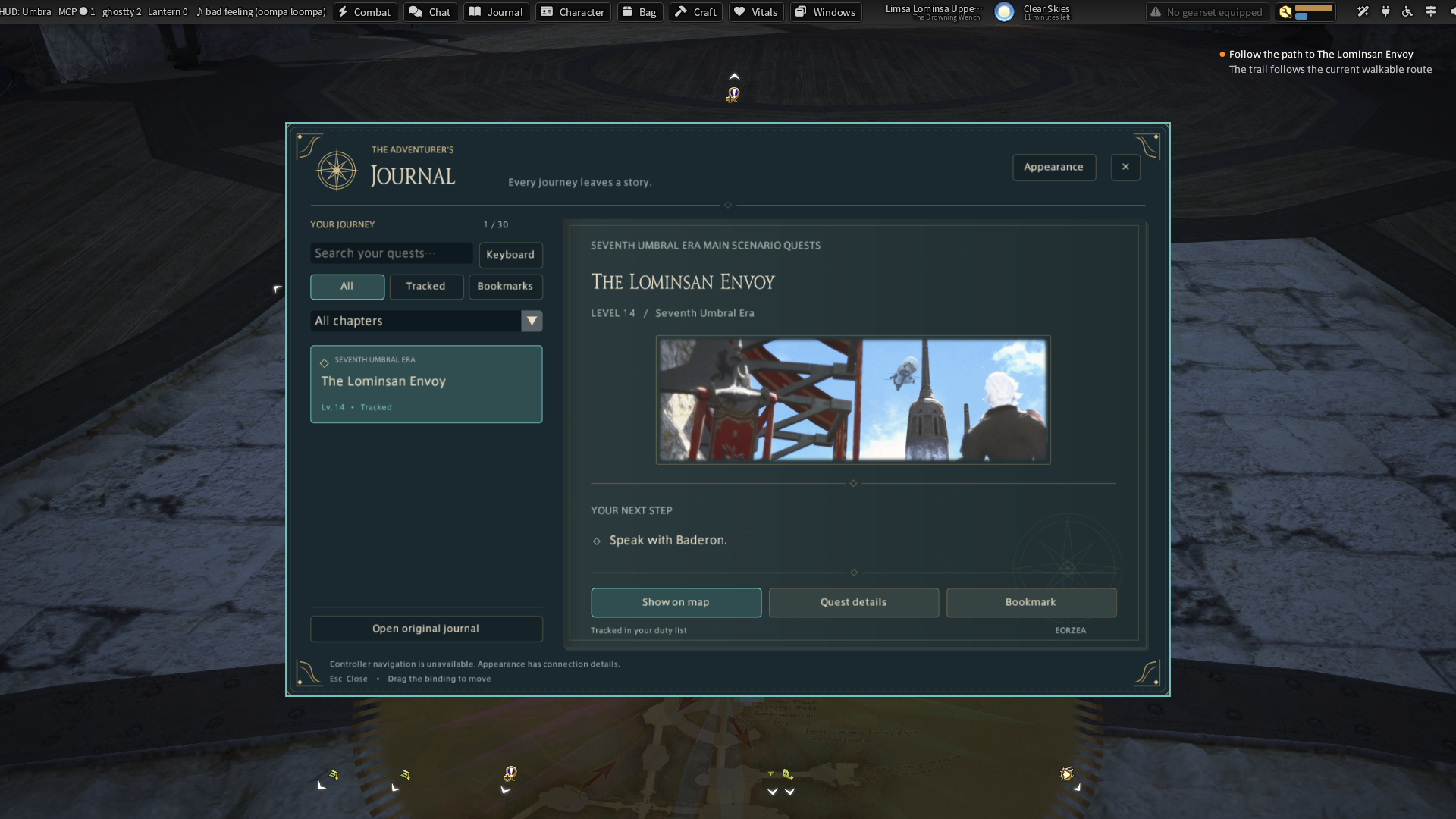
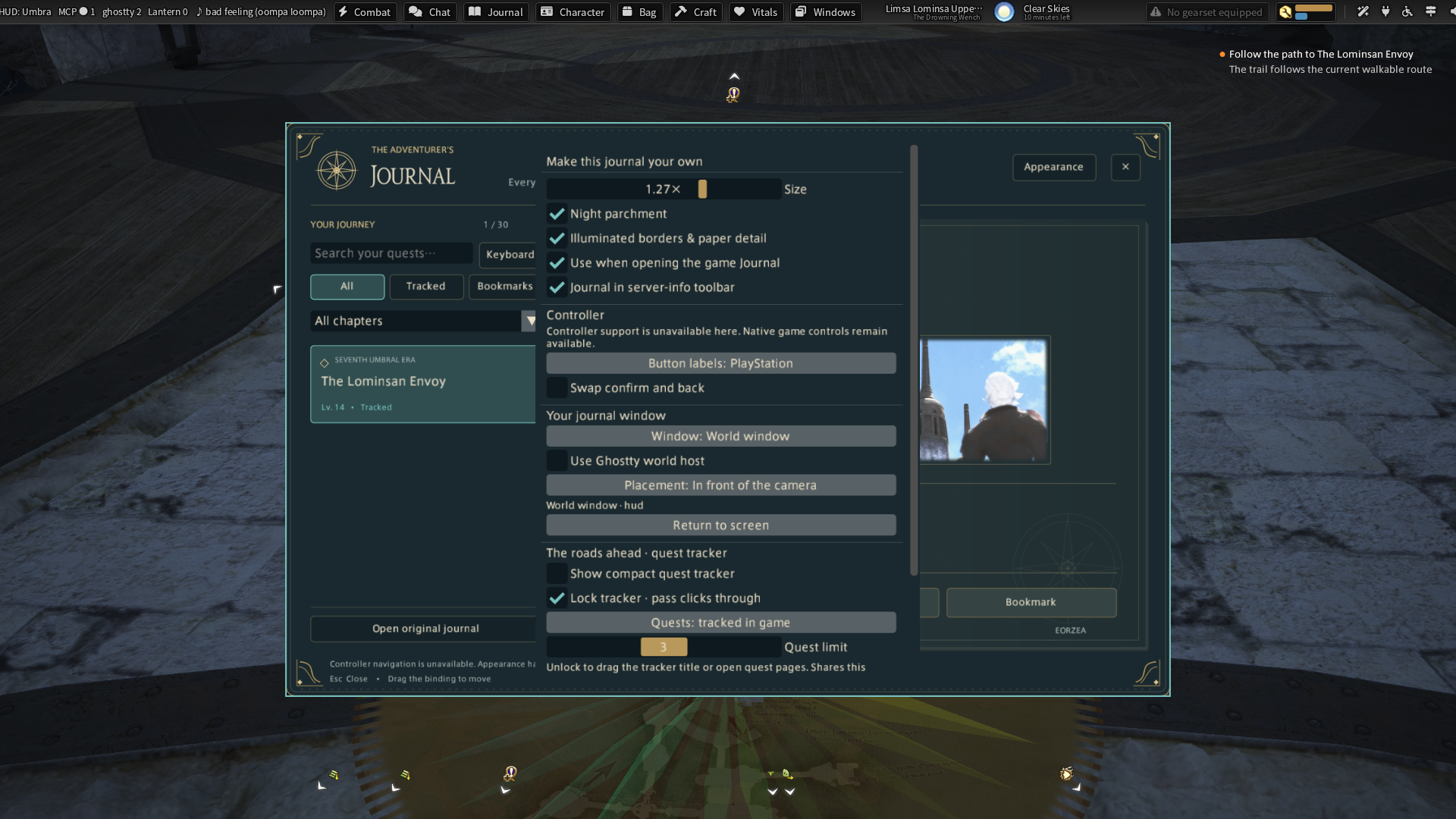
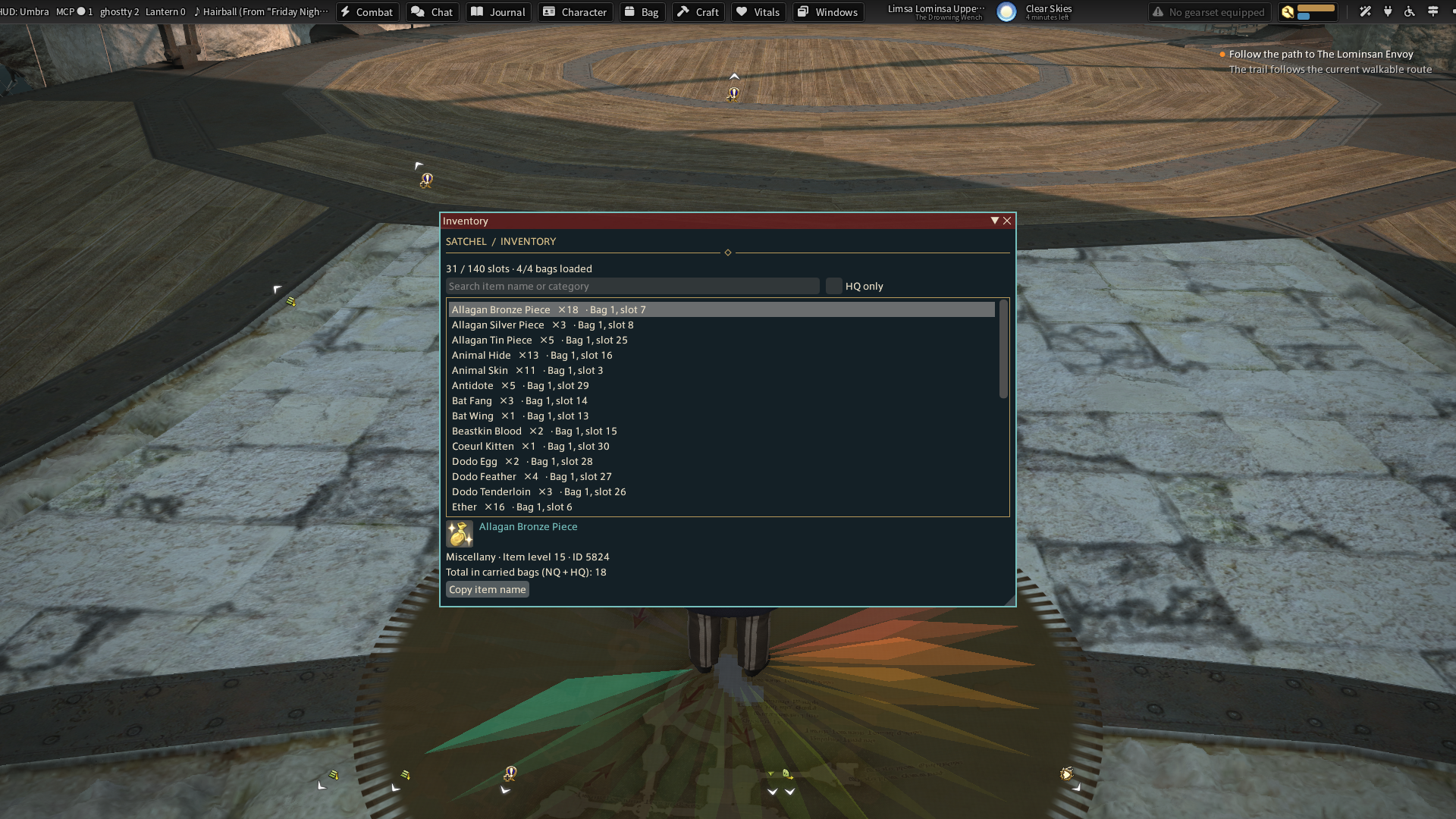
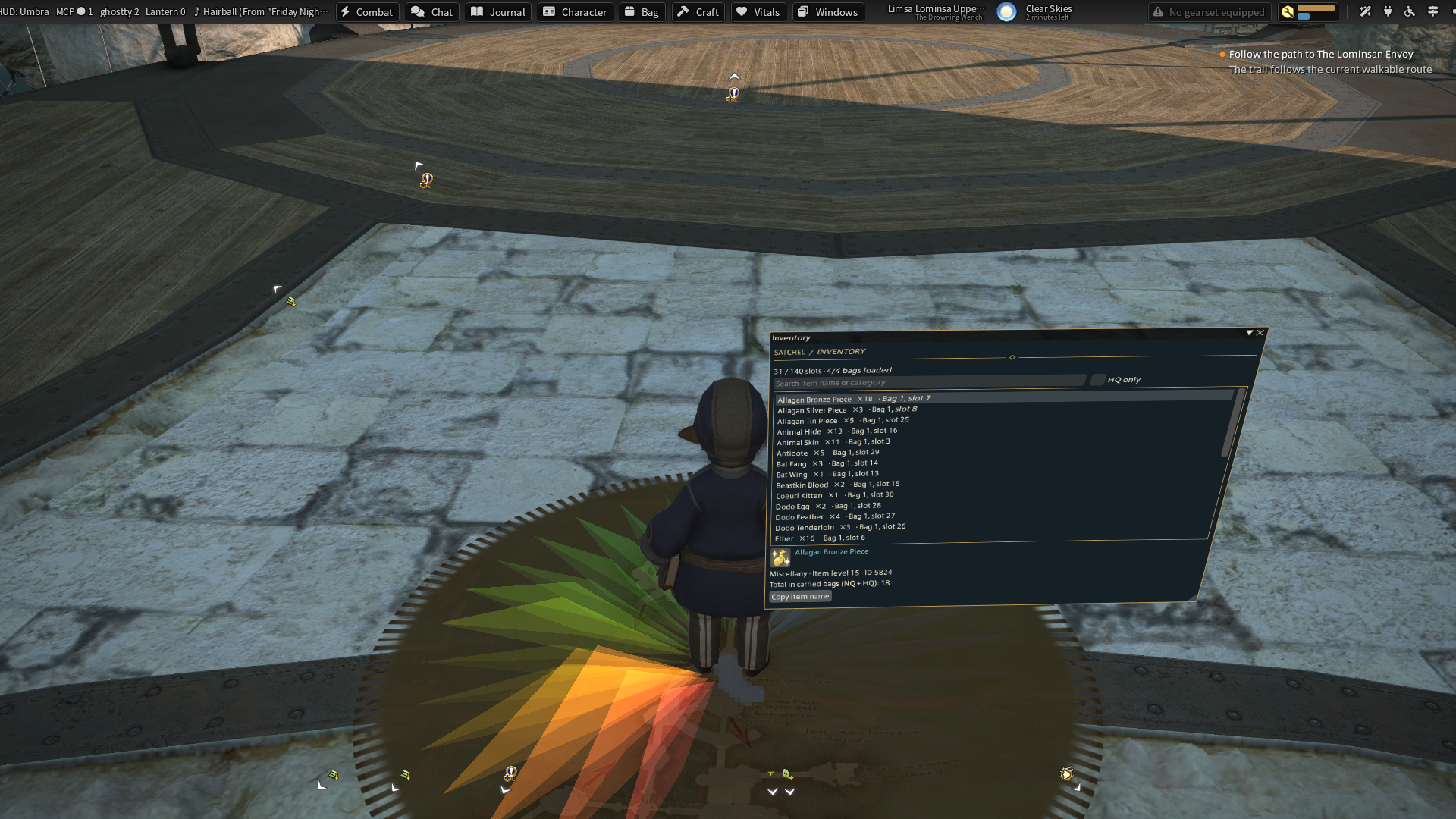
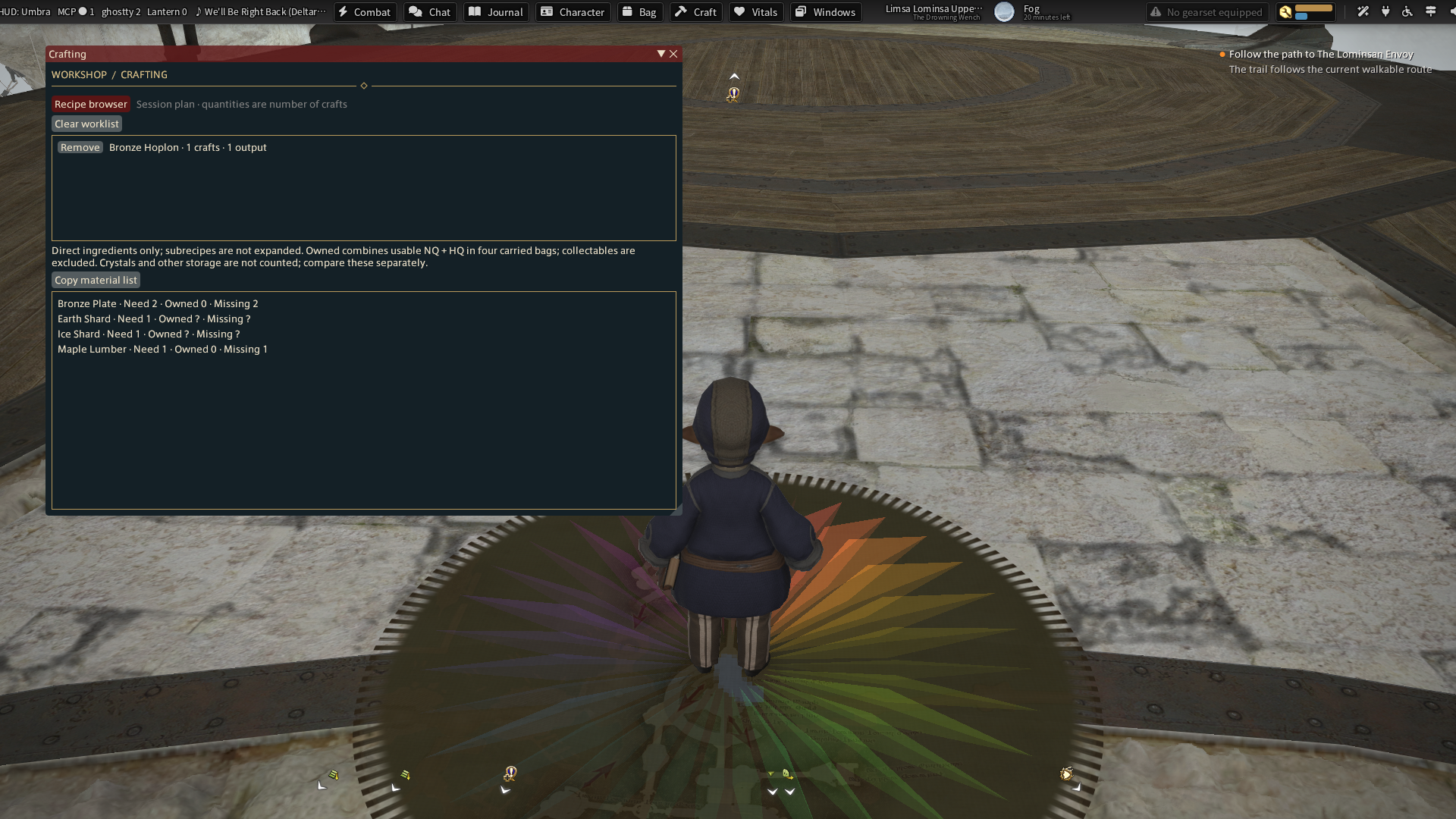
Captions identify the source and whether sample data is shown. Builds, screenshots and gameplay acceptance are separate checks.
Use the explicit development Dalamud repository and enable testing builds. Optional Umbra.XivHud.*.dll adapters are separate assets in the development release. Add those files in Umbra Settings → Plugins; after restarting Umbra, choose their widgets in the toolbar editor.
These are development builds. Native UI remains available. Source, build instructions and acceptance records describe the current limits. Inventory is read-only, crafting is planning, and previews cannot execute combat actions or send chat.