plugin · open source · experimental
XivCamp
Unfold your little corner of Eorzea.
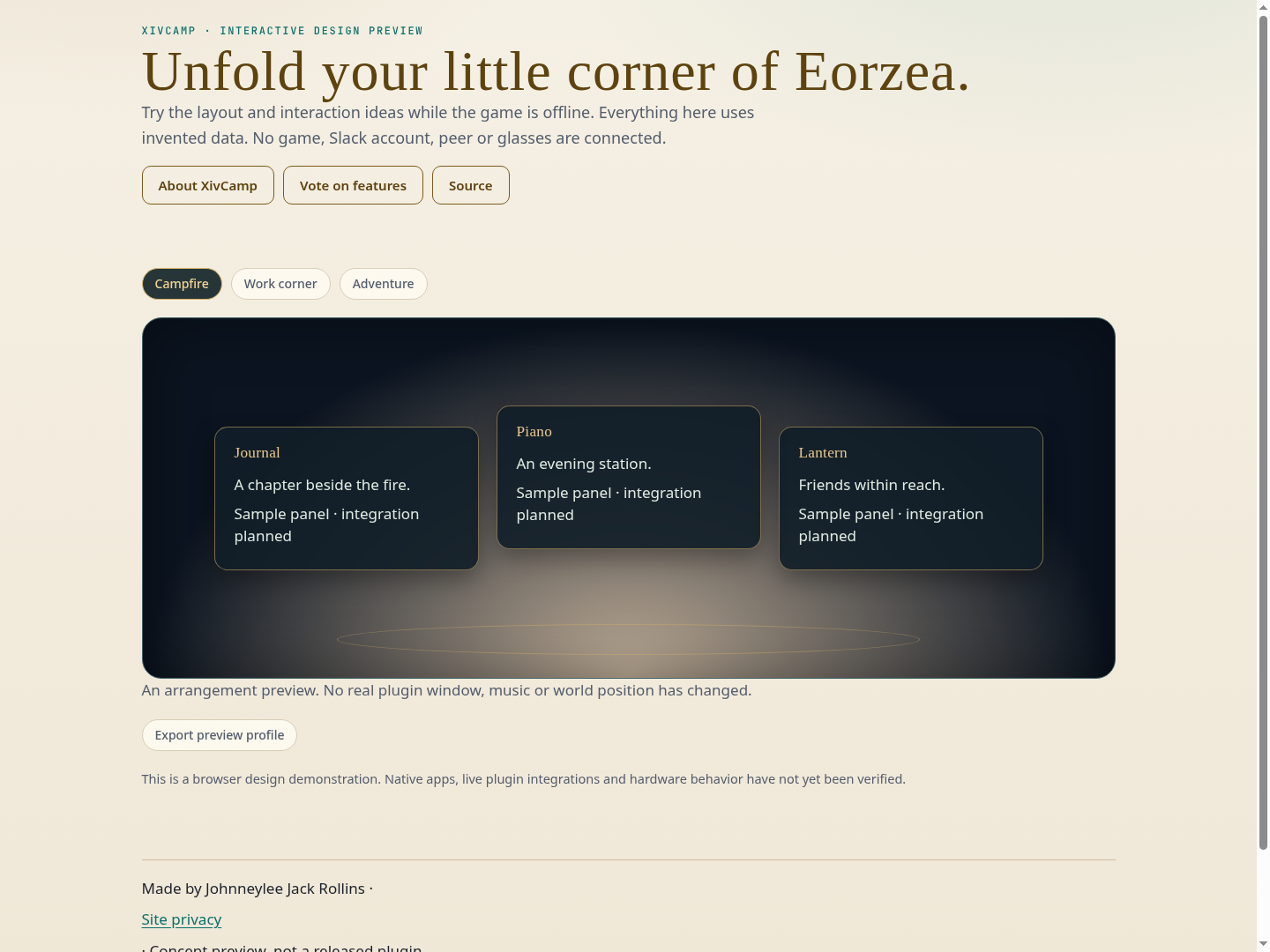
A saved workspace for your illustrated UI family. Unfold Campfire, Work corner or Adventure, remember your own arrangement, and pack up to restore what was there before.
development · live plugin integration checked. The plugin and Umbra adapter loaded live. Scene capture, Campfire application and acknowledged restoration were checked in the running game. Core tests exercise older/missing providers, pre-change recovery persistence, rollback and import bounds. Physical controller navigation and new world-anchor placement remain separate acceptance work.
A place to settle
Campfire brings journal and conversations together. Work corner makes room for your tools. Adventure leaves combat and vitals close to hand. You can remember the workspace you have now and return to it whenever you choose.
Unfold, then pack up
Open /xivcamp, choose an arrangement and unfold it. Packing up restores the previous workspace. Original state is recorded before changes begin, and unavailable panels are reported individually. A saved recovery record stays available when a provider cannot be restored yet.
Familiar modules, their own homes
Camp uses the modules’ supported window controls. New family versions can restore viewport-relative positions; older versions retain their positions. Existing world/native host preferences stay with their providers. Camp can suggest a local Prism profile while the receiving viewer owns its display layout.
Keep your little corner
Saved arrangements persist across restarts and can be copied or imported as bounded, versioned JSON. Imports wait for your explicit choice to apply them. Umbra.XivCamp.dll adds a toolbar launcher. See the whole family.
The first working release
The initial release manages screen workspaces and existing host preferences. Individual world anchors, Rug geometry, physical controller navigation and furniture or ambience systems remain separate work. Your current music and game controls continue under their existing owners.
Install and build
Install from this project’s explicit development repository in Dalamud’s Experimental settings. Its development release includes the separate Umbra toolbar adapter DLL. Add that DLL in Umbra Settings → Plugins, restart Umbra, then add its widget.
Dalamud API 15. The Umbra toolbar adapter is optional.
Build instructions and verification records are in the project README.
Screenshots and captures
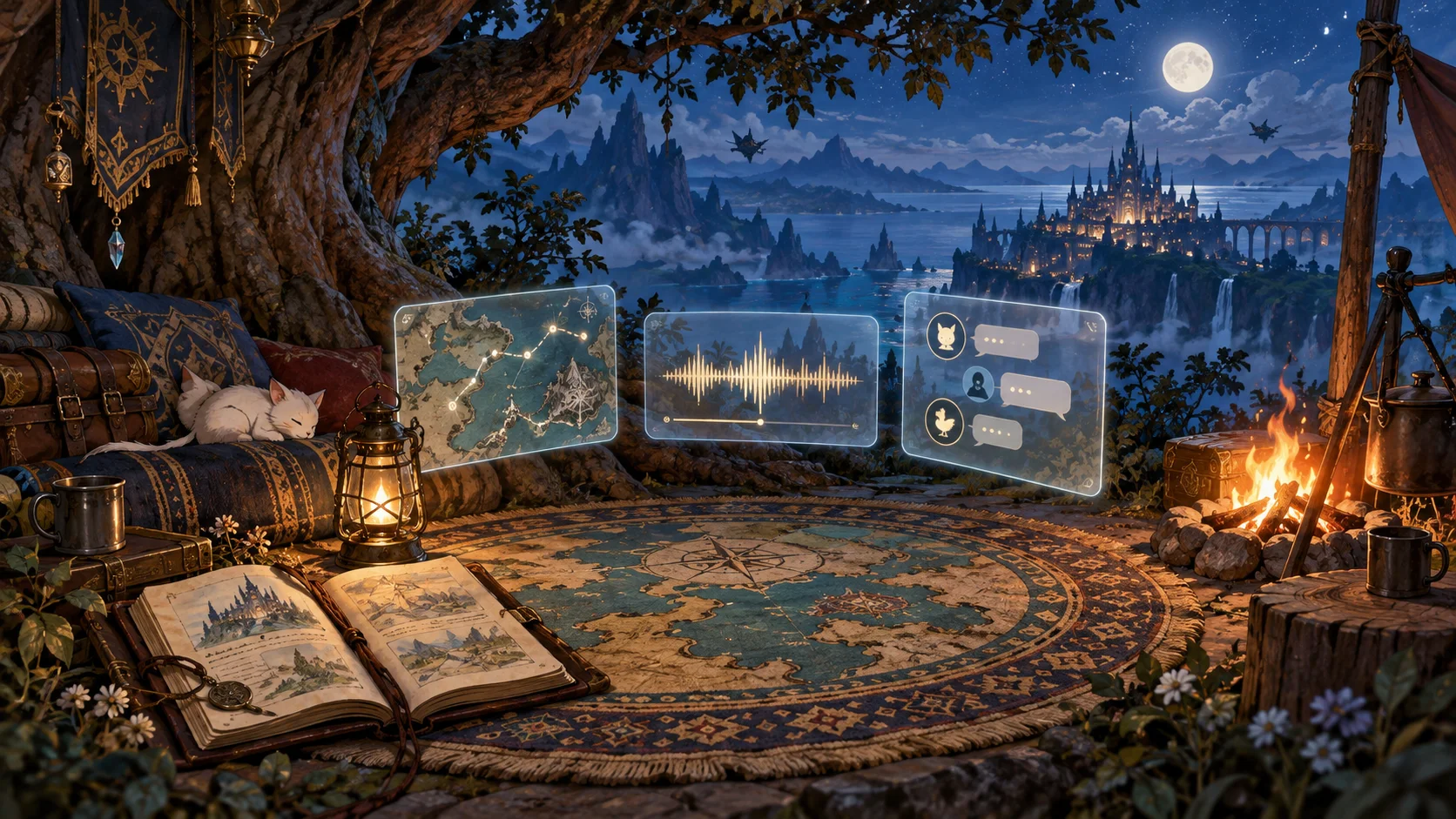
Live game screenshots have not been captured for this publication. The illustration above is artwork. The gallery accepts community screenshots with this project’s tag.
Releases and next checks
Reviewed . Release availability and live verification are tracked separately.
- development: development · package 0.1.0.3
The plugin and Umbra adapter loaded live. Scene capture, Campfire application and acknowledged restoration were checked in the running game. Core tests exercise older/missing providers, pre-change recovery persistence, rollback and import bounds. Physical controller navigation and new world-anchor placement remain separate acceptance work.
Voted feature queue · Vote on features · Source and build instructions