melodica for Pandora
Firefox 128+, Chrome 121+, Edge, Brave (Manifest V3); Safari on iPhone / iPad (sideload)
Pandora radio in the background, plus relay Rooms where DJs and listeners can hear together across devices. The open player at spacegho.st/melodica/app/ is a remote for extension playback and Rooms.
A Pandora login is needed to play Pandora radio. Room access uses your spacegho.st account; listeners do not need a Pandora login.
melodica-extension 0.9.19 2026-11-10 release page ↗
✔ opens and logs in checked in CI against the melodica-tuner test server
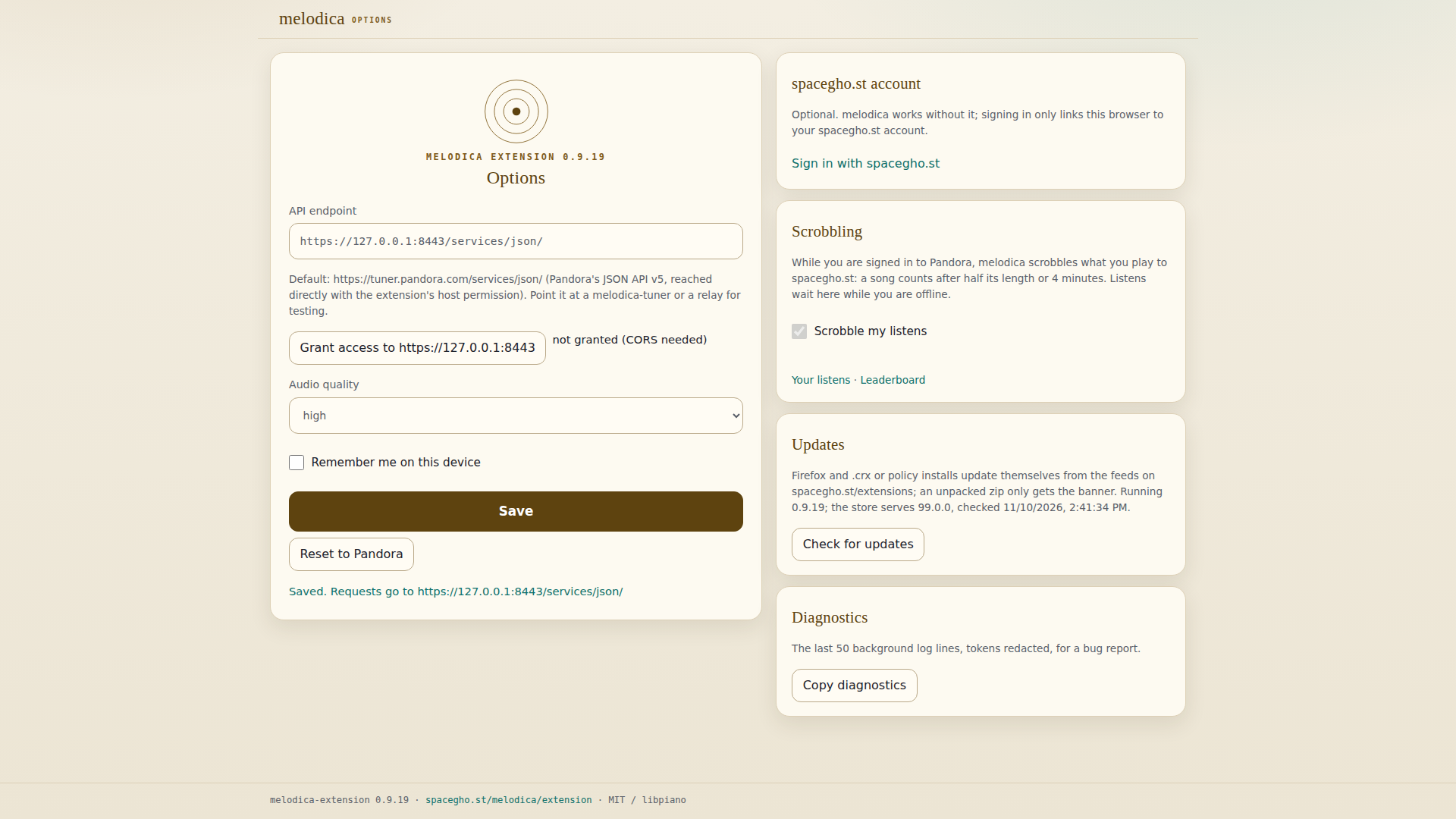
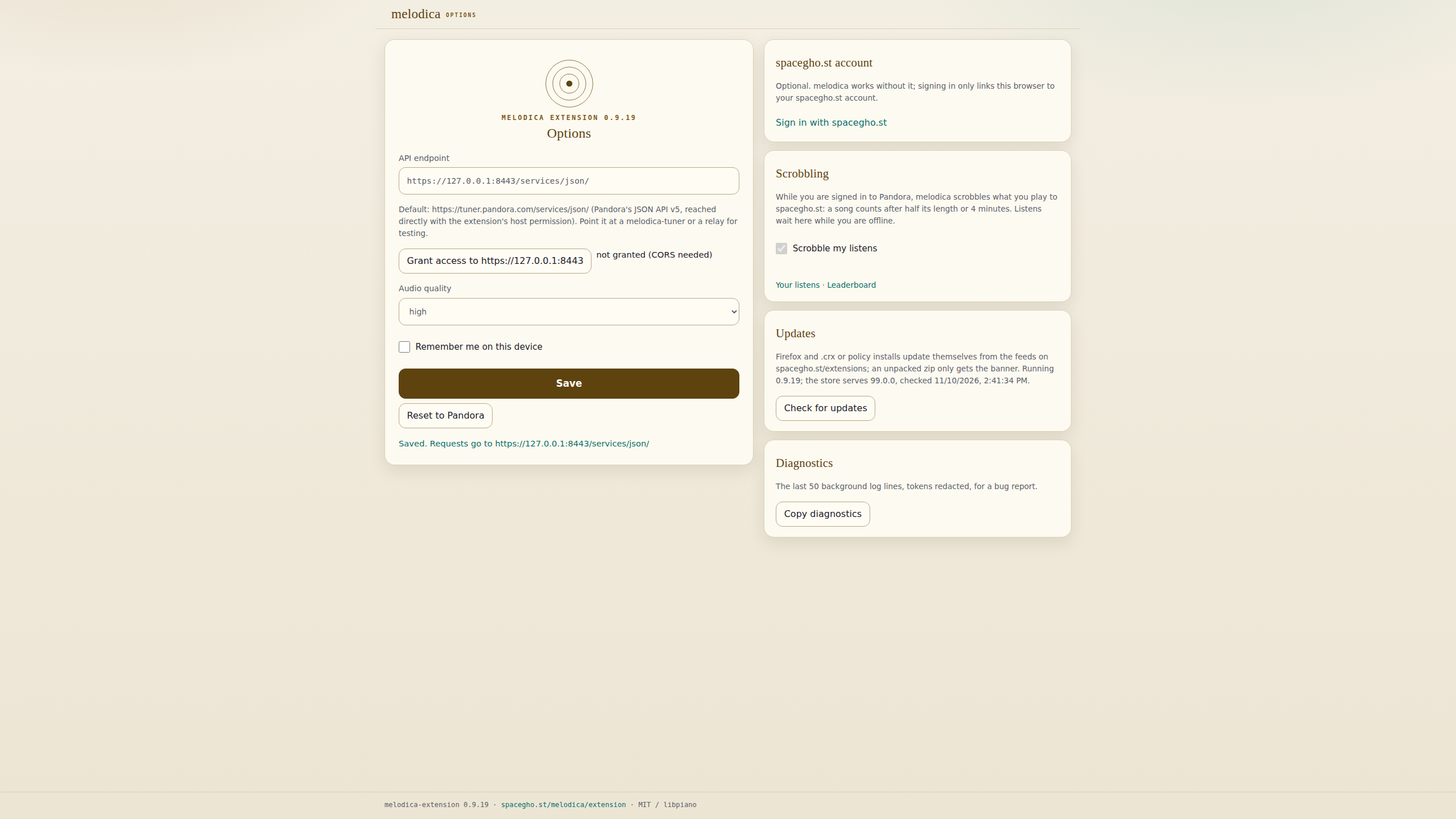
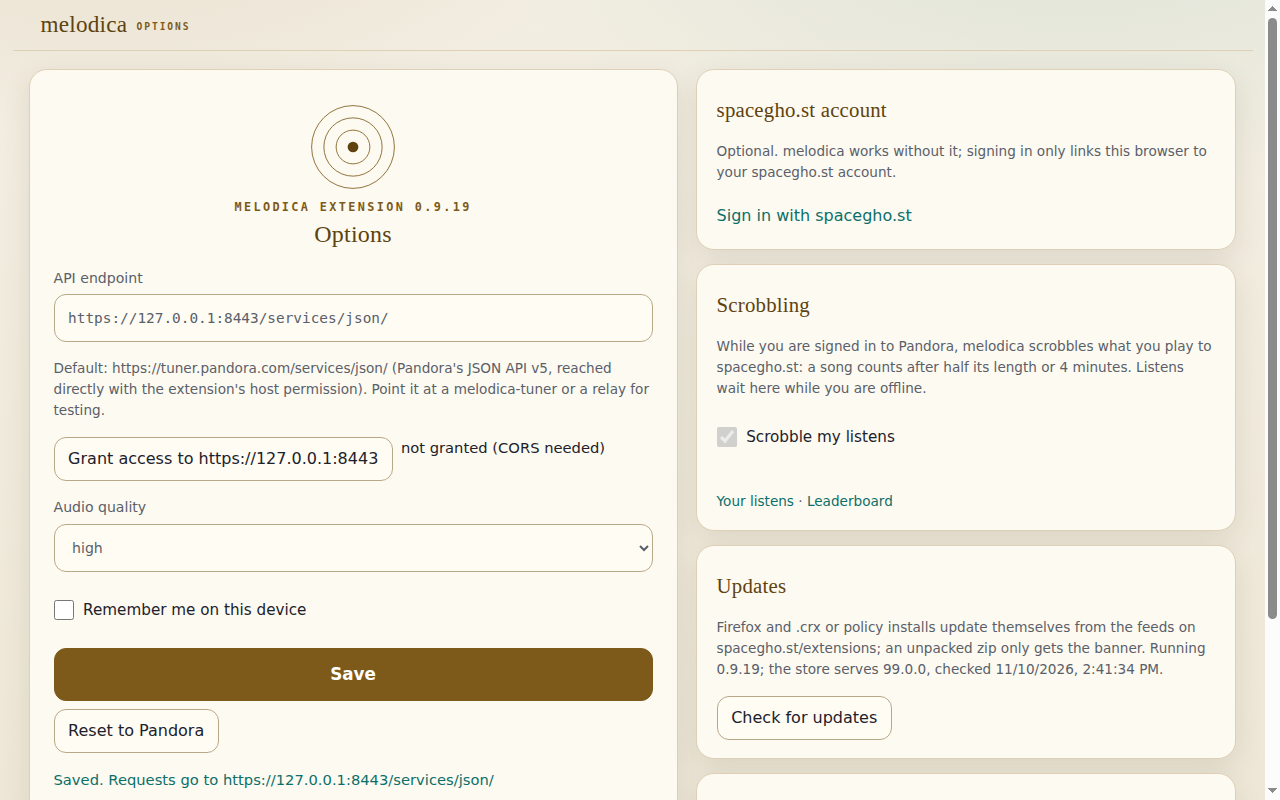
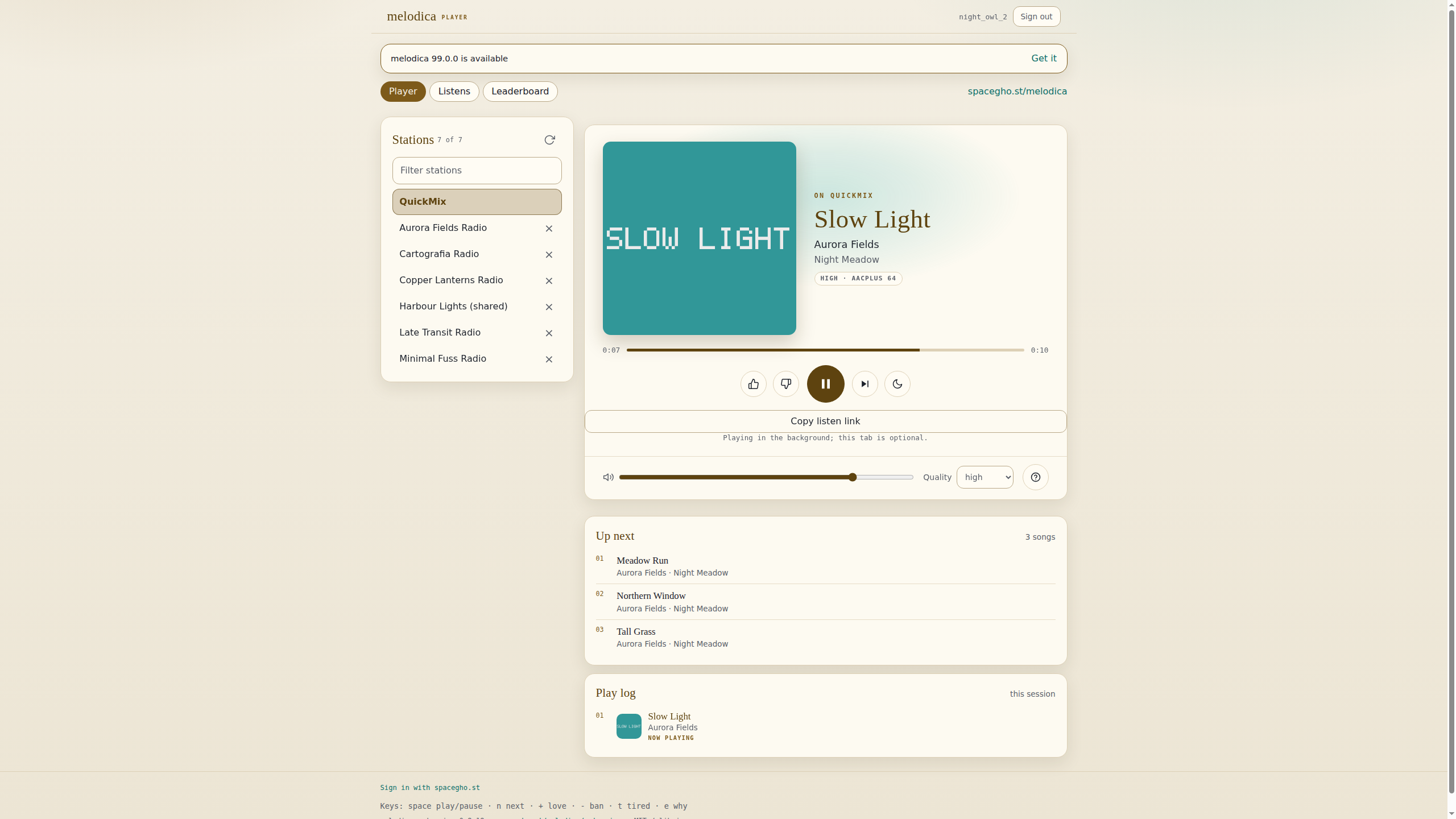
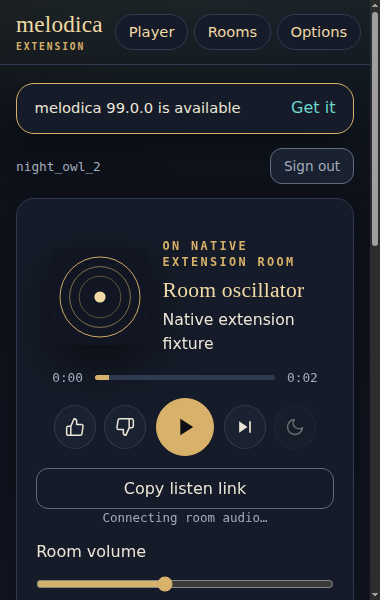
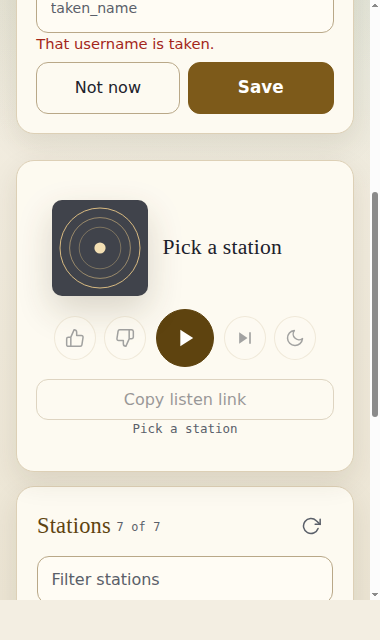
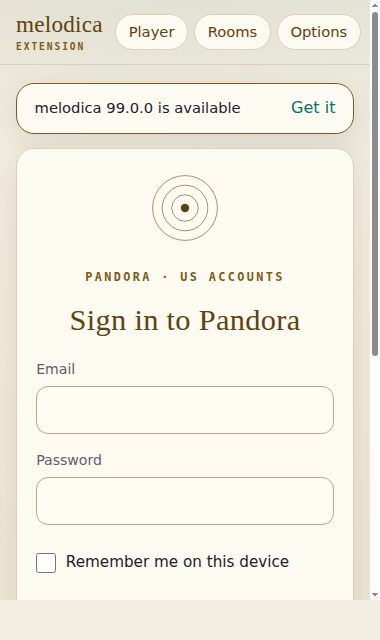
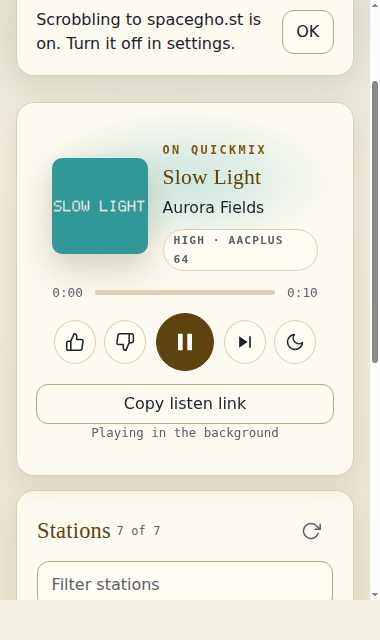
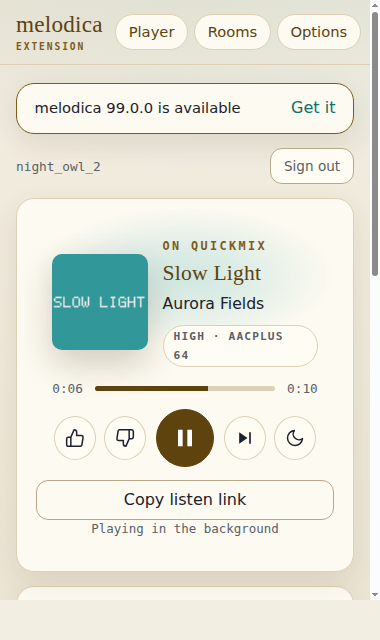
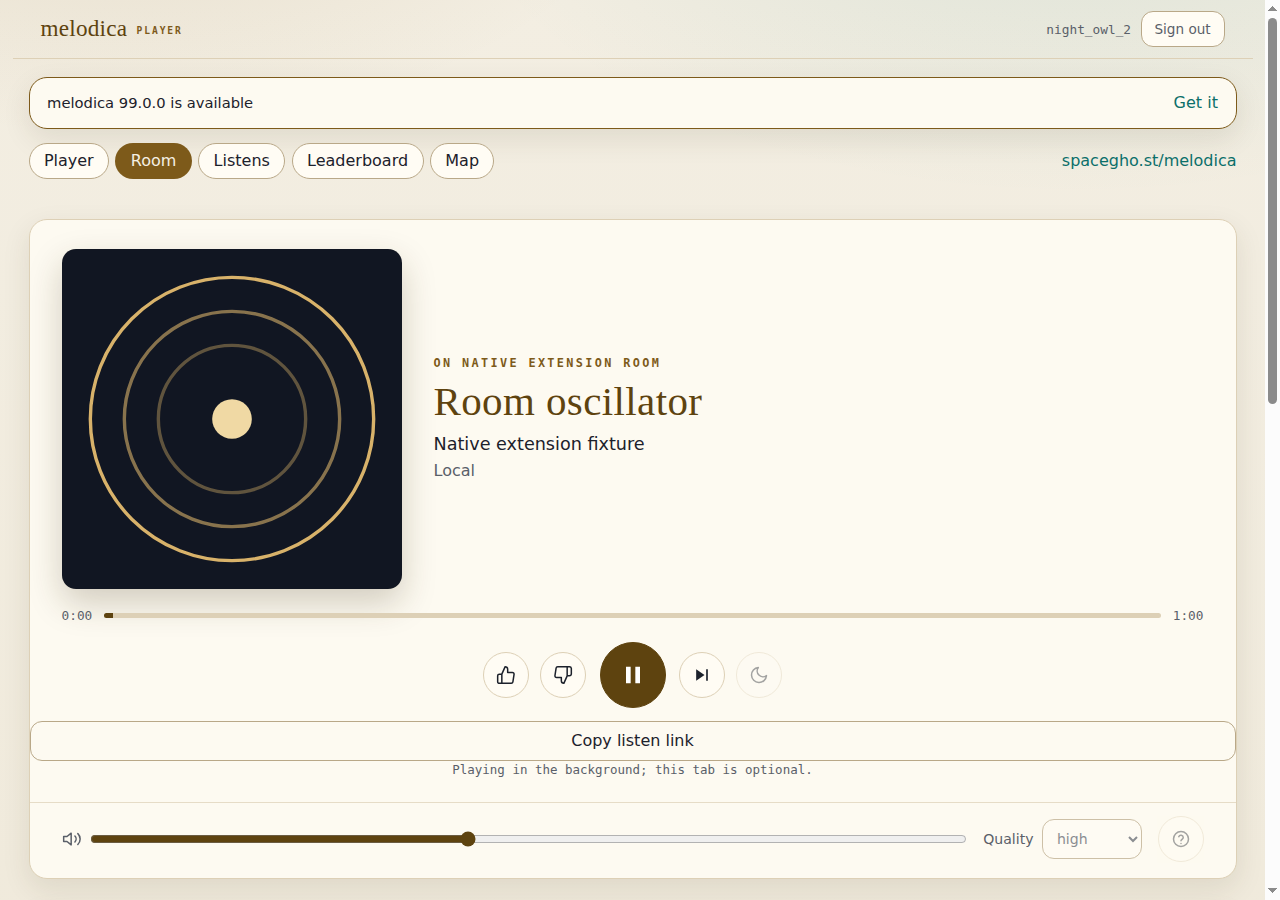
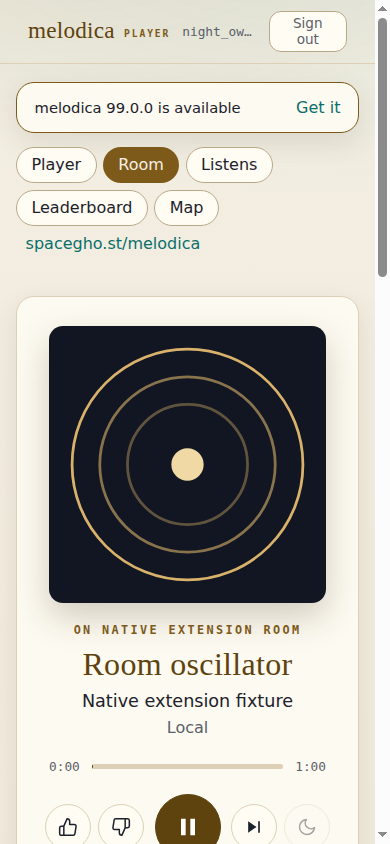
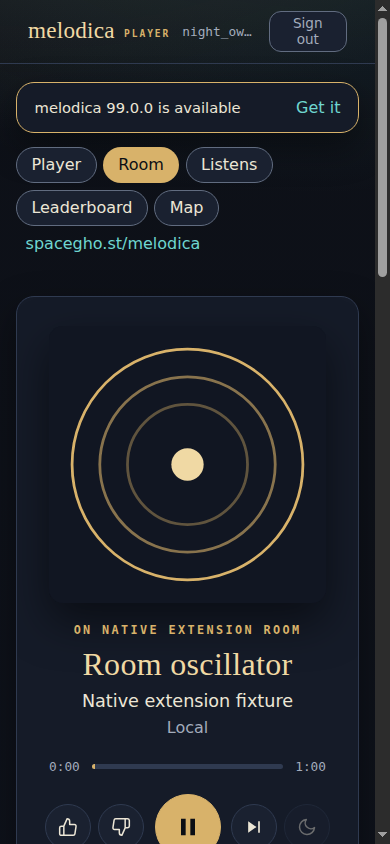
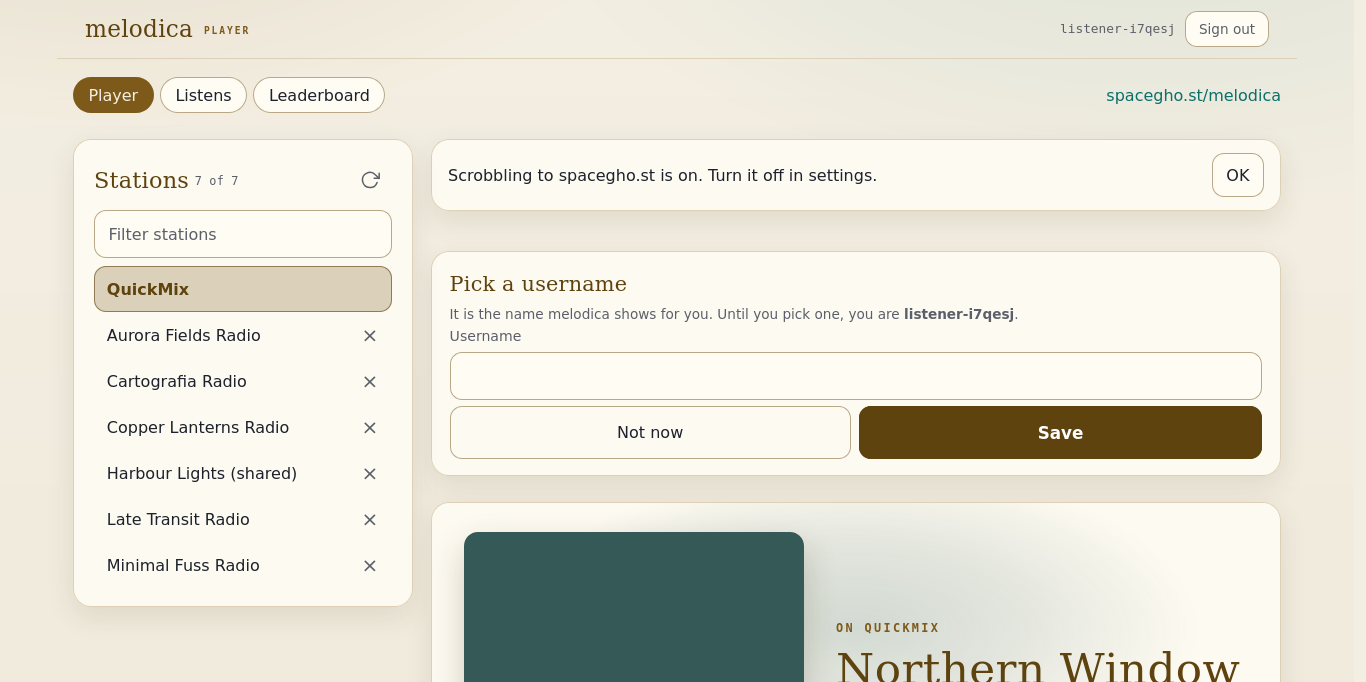
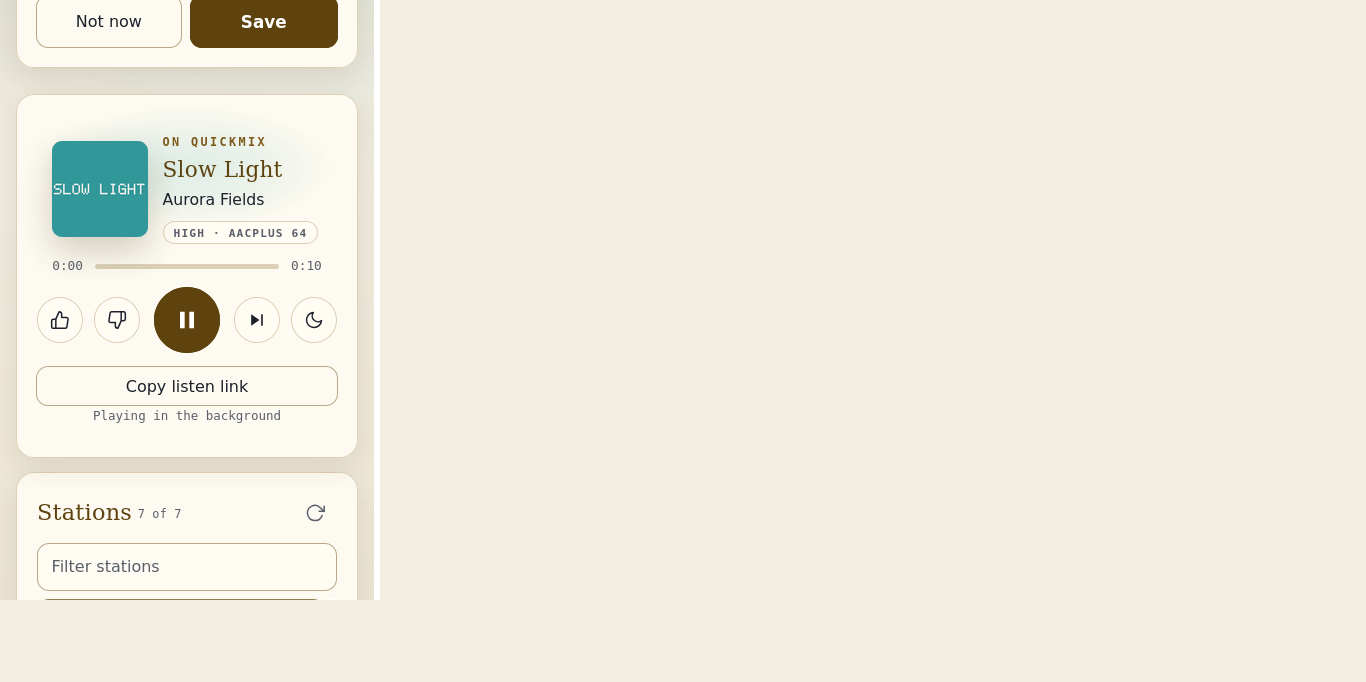
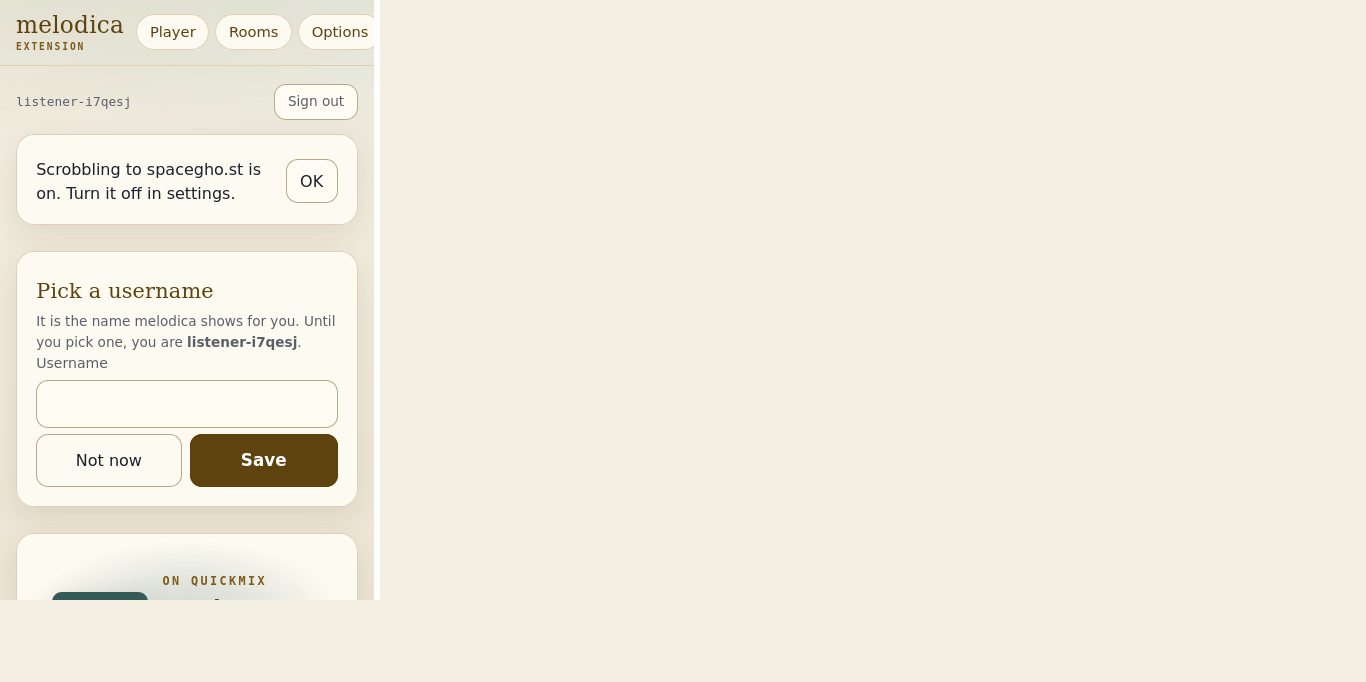
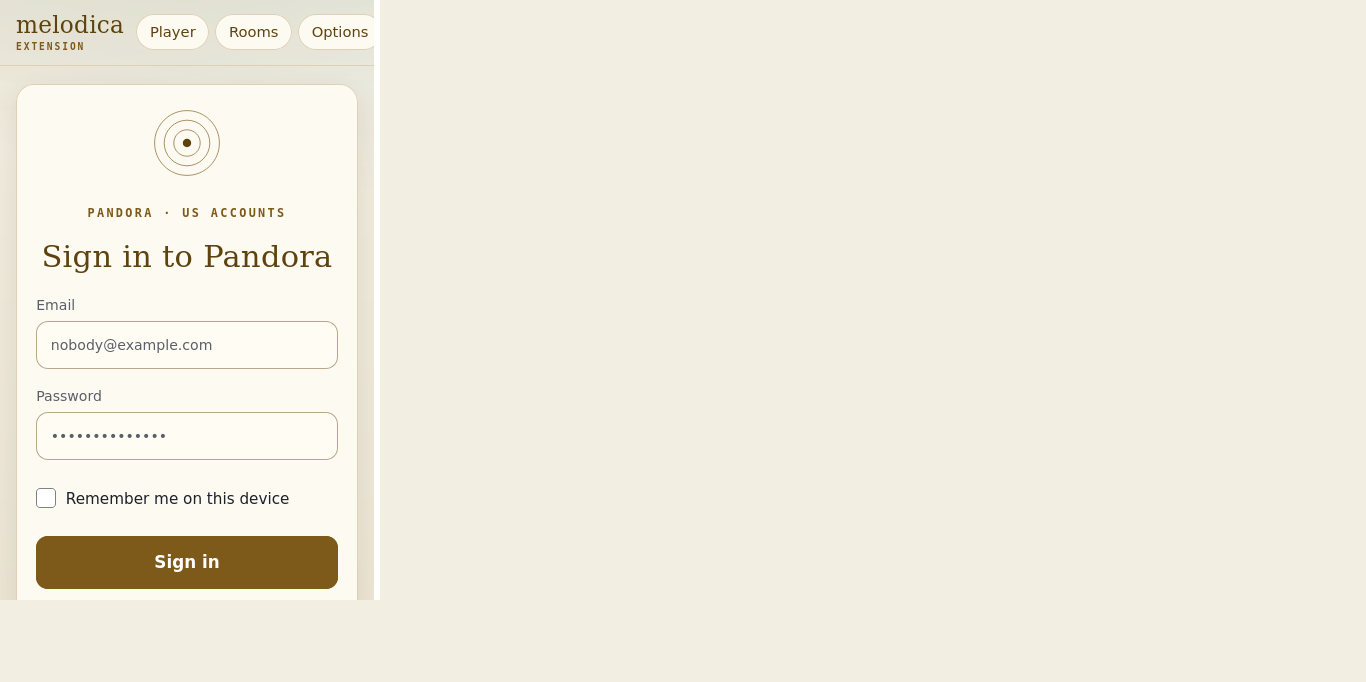
- Chromium (chromium 158.0.8127.18): melodica-extension 0.9.19 (unpacked, chromium 158.0.8127.18) pointed at melodica-tuner 0.2.0 via the options page, signed in from the popup, listed 7 stations, played "Slow Light" by Aurora Fields on QuickMix in the background (offscreen document; no player tab; position 1.0s -> 5.2s with no extension page open; the optional player tab showed it and its closing changed nothing), and bridged a partnerLogin for the melodica-web page on https://spacegho.st, which then subscribed, paused and resumed the music over the bridge; played a slot ("melodica-tuner test ad": ad.getAdMetadata x3, audio x3, ad.registerAd x1) with next refused during it, and none once the access answer said spots:false; refused to log in an email not on the access allow-list (no auth.userLogin; the request was recorded), signed in to the optional spacegho.st account ("octo-ci"), refreshed and rotated its tokens and signed out, and stopped and signed out of Pandora when access was withdrawn; the update banner announced 99.0.0 from the fake releases.json (extension loaded → endpoint set → update banner → not on the allow-list: not logged in → logged in → remember: password sealed, not in storage → stations listed → username picked and changed → scrobbling notice shown before the first submission → playing without a tab → plays with no page open → popup shows the track → player tab optional → listen links: prompt in the player tab, nothing autoplays, copy link → web app loaded → bridge announced) report
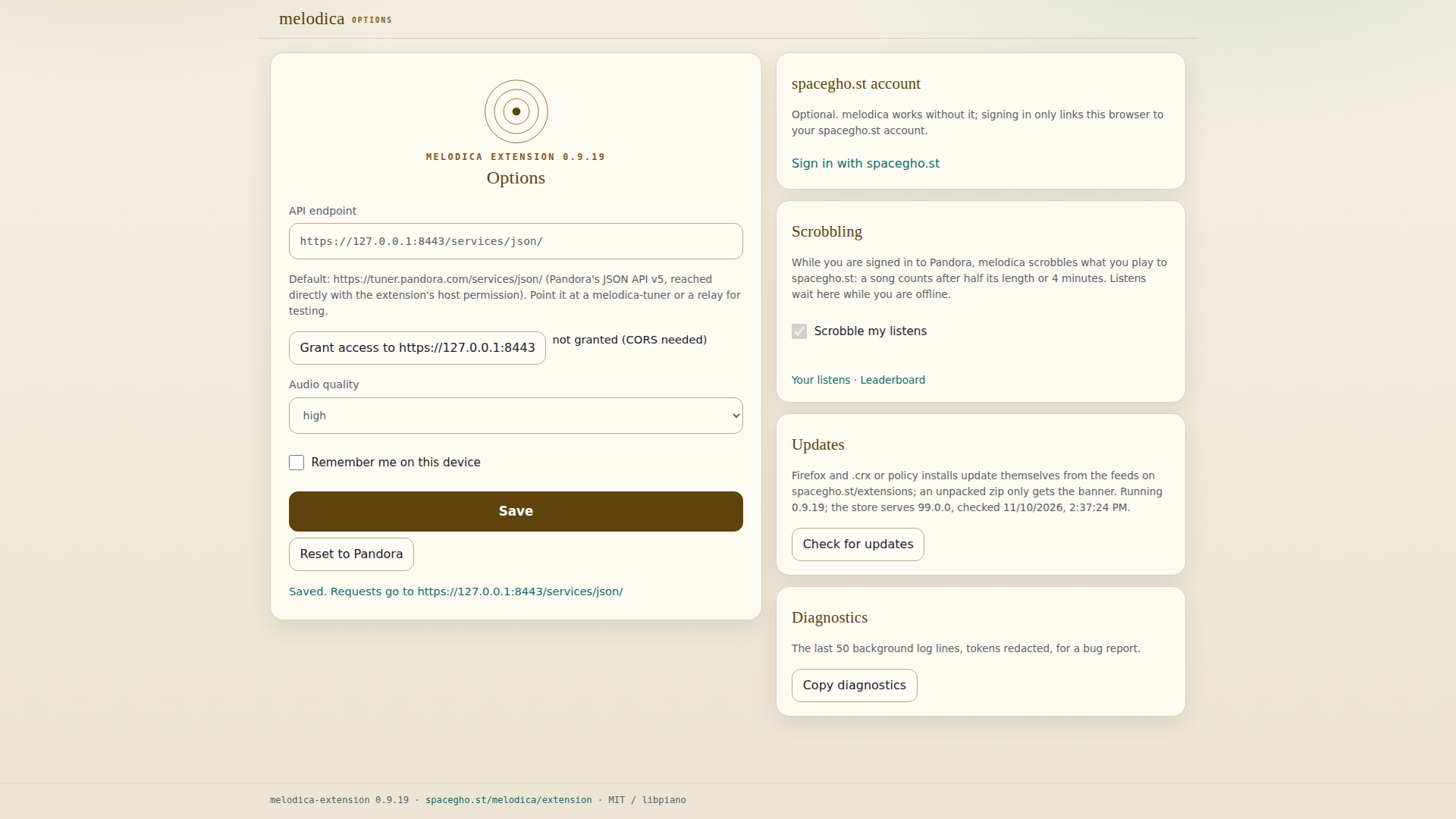
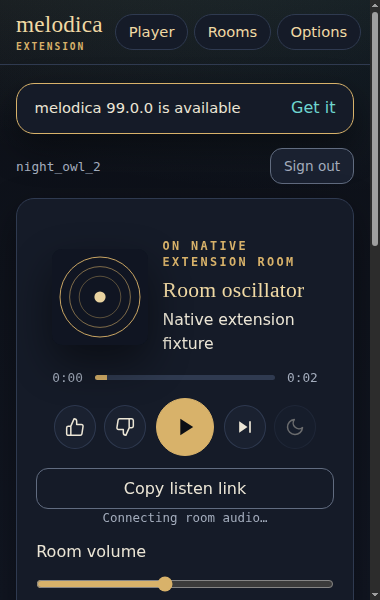
- Brave (Brave Browser 157.1.99.55): melodica-extension 0.9.19 (unpacked, Brave Browser 157.1.99.55, chromium 157.0.8103.39) pointed at melodica-tuner 0.2.0 via the options page, signed in from the popup, listed 7 stations, played "Slow Light" by Aurora Fields on QuickMix in the background (offscreen document; no player tab; position 1.0s -> 5.2s with no extension page open; the optional player tab showed it and its closing changed nothing), and bridged a partnerLogin for the melodica-web page on https://spacegho.st, which then subscribed, paused and resumed the music over the bridge; played a slot ("melodica-tuner test ad": ad.getAdMetadata x3, audio x3, ad.registerAd x1) with next refused during it, and none once the access answer said spots:false; refused to log in an email not on the access allow-list (no auth.userLogin; the request was recorded), signed in to the optional spacegho.st account ("octo-ci"), refreshed and rotated its tokens and signed out, and stopped and signed out of Pandora when access was withdrawn; the update banner announced 99.0.0 from the fake releases.json (extension loaded → endpoint set → update banner → not on the allow-list: not logged in → logged in → remember: password sealed, not in storage → stations listed → username picked and changed → scrobbling notice shown before the first submission → playing without a tab → plays with no page open → popup shows the track → player tab optional → listen links: prompt in the player tab, nothing autoplays, copy link → web app loaded → bridge announced) report
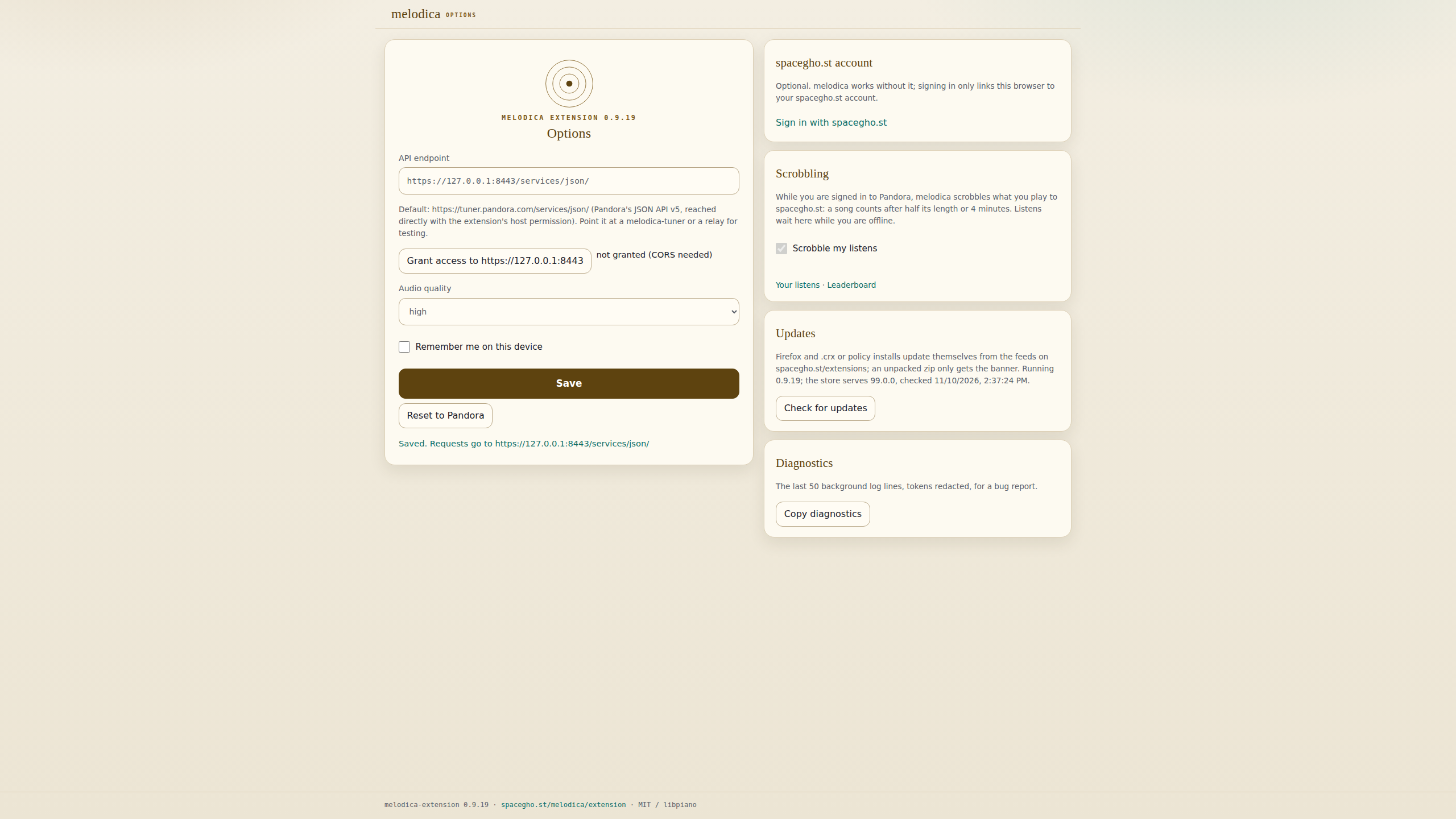
- Pandora-probe (node v22.23.4): auth.partnerLogin ok (syncTime 1794321957, offset 0s); auth.userLogin with bogus credentials -> code 1002 (Pandora rejected auth.userLogin (code 1002: invalid login). Wrong email address or password.) (auth.partnerLogin ok → syncTime decrypted: 1794321957 (offset 0s) → auth.userLogin with bogus credentials -> code 1002) report
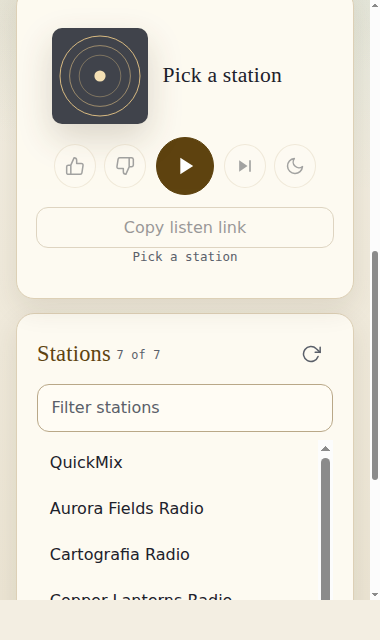
- Firefox (Mozilla Firefox 160.0): Mozilla Firefox 160.0: temporary add-on melodica-extension@spacegho.st with host permission https://tuner.pandora.com/* https://*.pandora.com/* https://*.p-cdn.us/* https://*.p-cdn.com/* https://spacegho.st/* https://spacegho.st/* https://spacegho.st/* https://spacegho.st/* https://spacegho.st/*; refused an email not on the access allow-list without asking Pandora, signed in to the tuner (0.2.0), listed 7 stations, played "Slow Light" in the background page with no tab (still playing after 45s with no extension page open; the optional player tab showed it and its closing changed nothing; a slot was fetched x3, played and registered x2, with next refused during it, and no slot once the access answer said spots:false); signed in to the optional spacegho.st account (octo-ci) and out; stopped and signed out of Pandora when access was withdrawn; real tuner.pandora.com with bogus credentials -> auth.userLogin code 1002 ("Pandora rejected auth.userLogin (code 1002: invalid login). Wrong email address or password.") (extension loaded → host permission granted → account server set → endpoint set → login screen → not on the allow-list: not logged in → logged in → stations listed → playing without a tab → plays 45 s with no page open → player tab optional → slot played and registered → access answer spots:false: no slot → spacegho.st sign-in → cold start: add-on reloaded, page alone → cold start: background stopped, page alone) report
Chromium · chromium 158.0.8127.18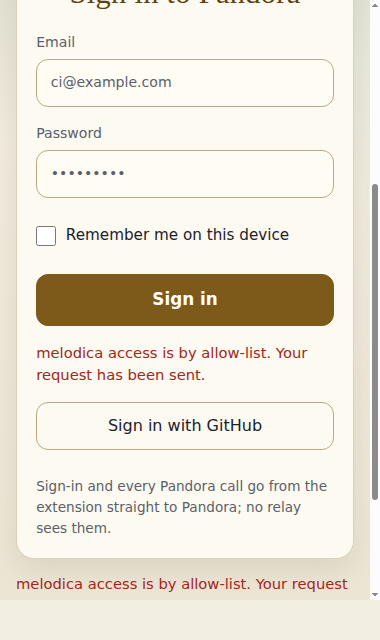
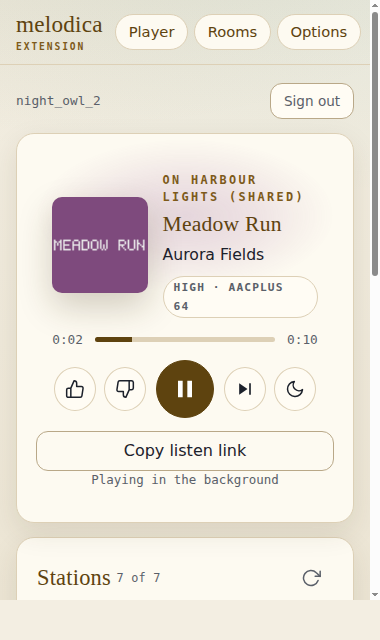
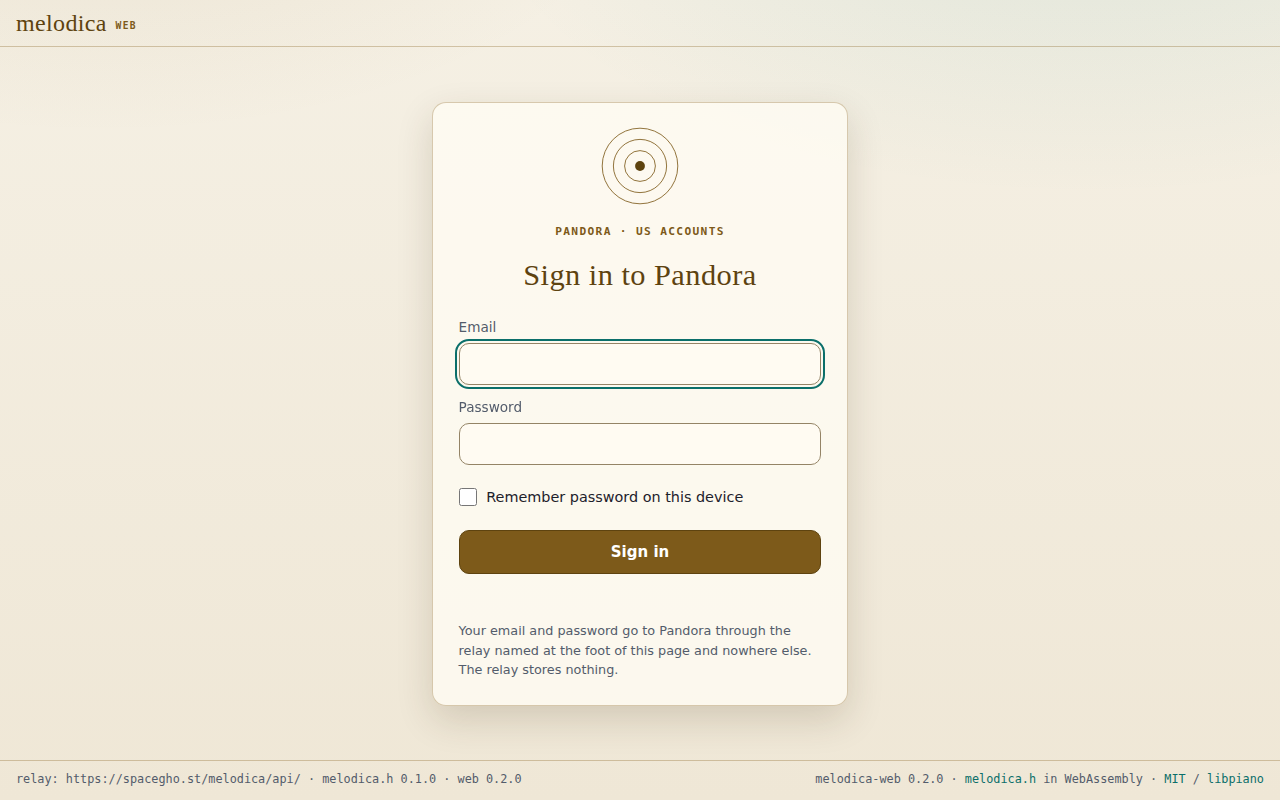
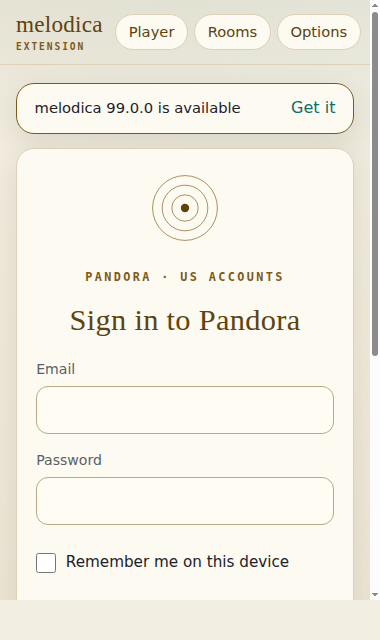
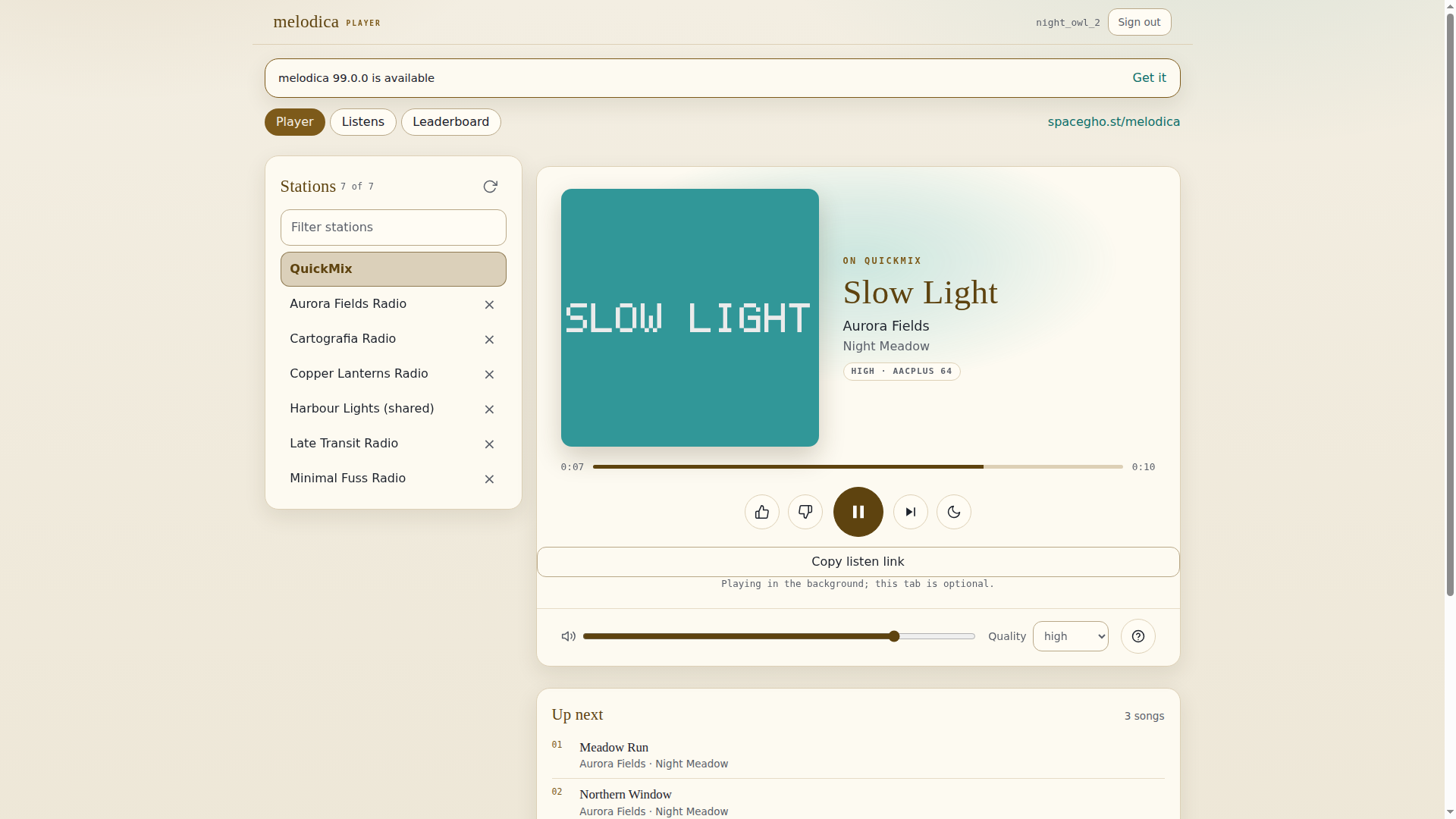
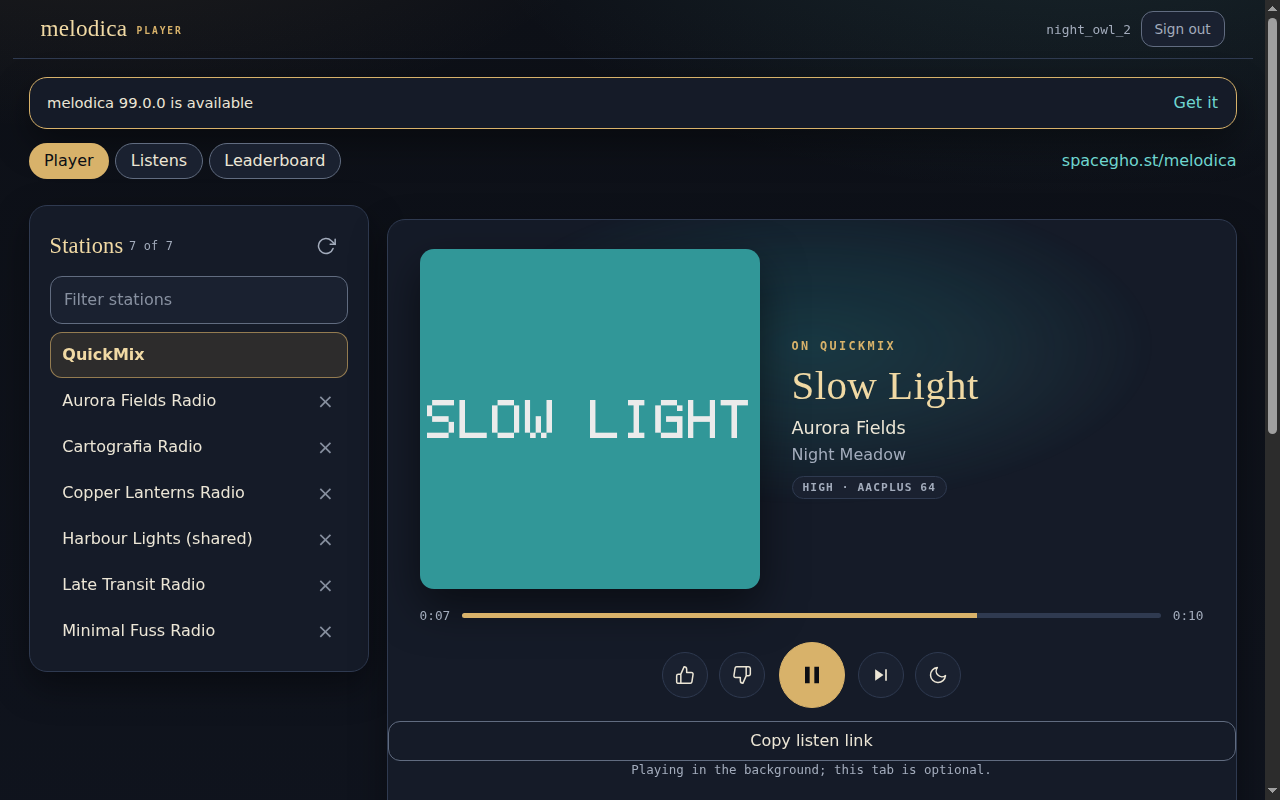
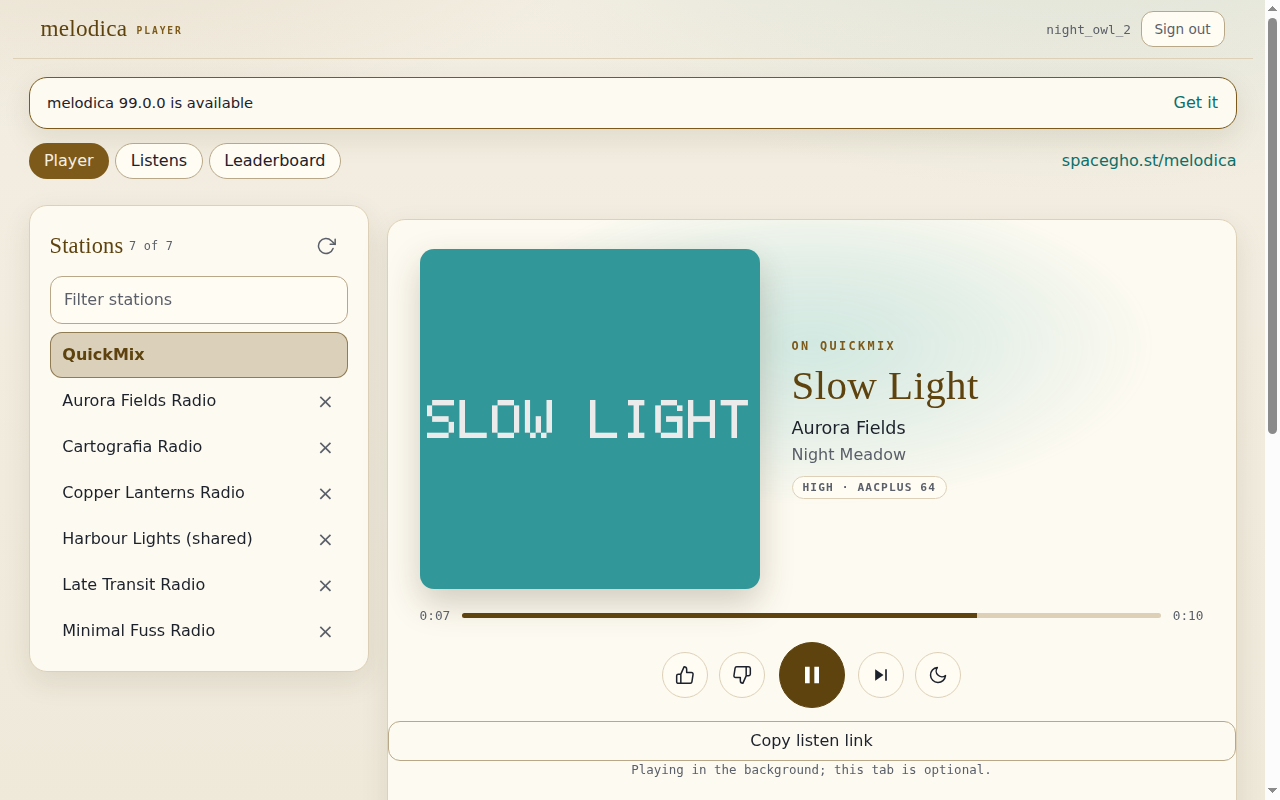
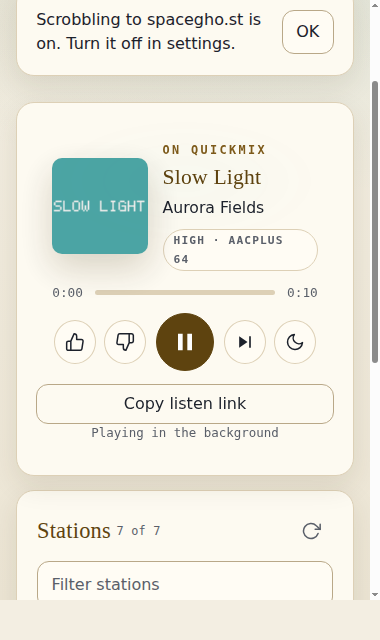
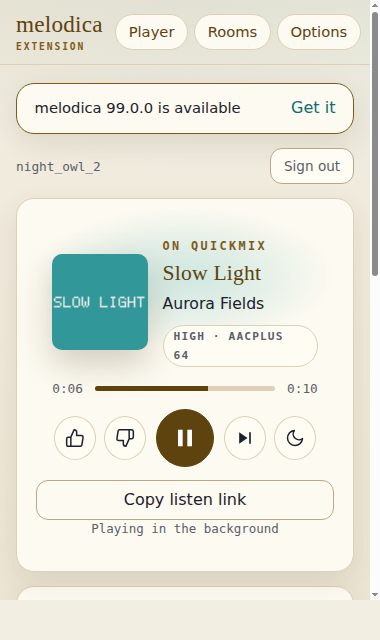
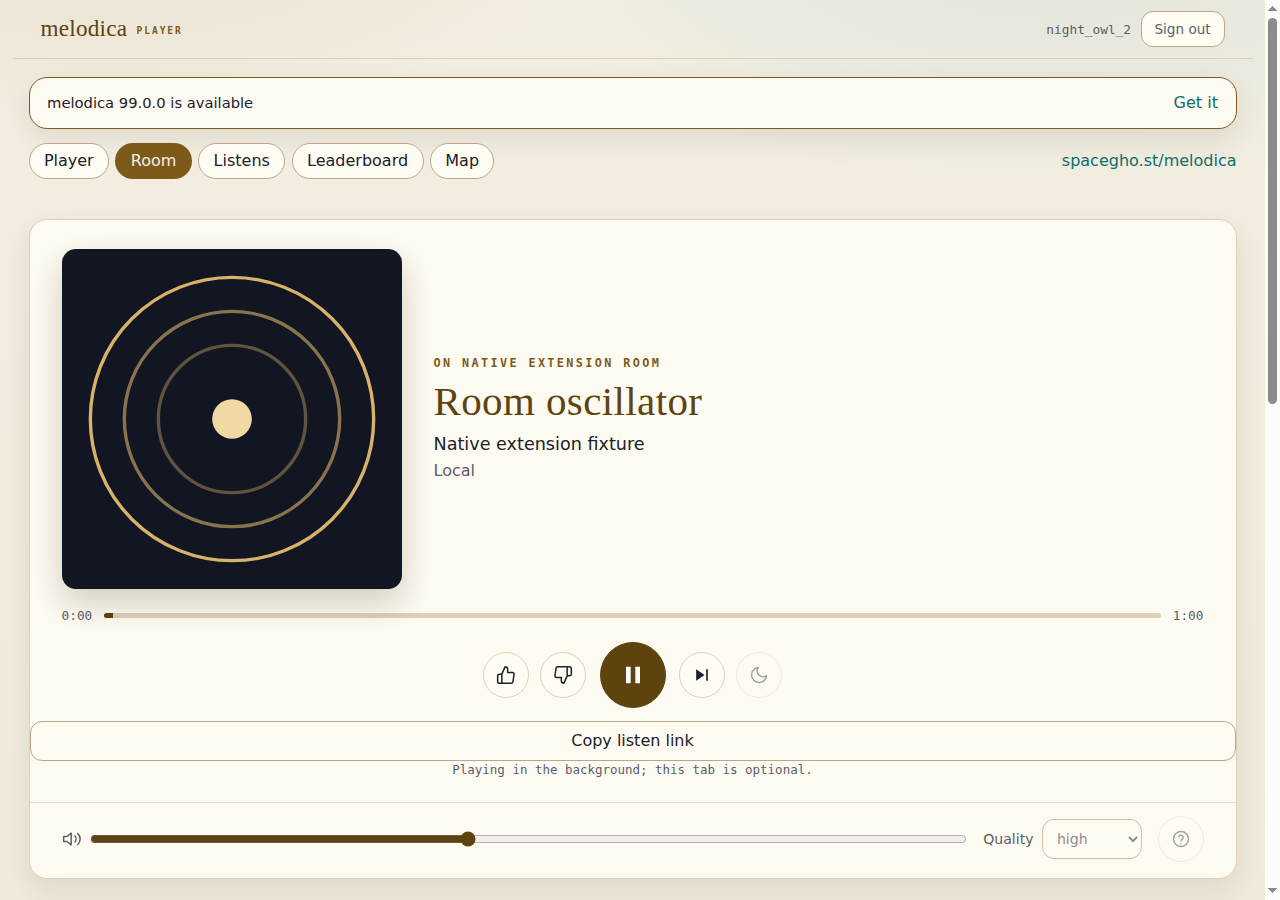
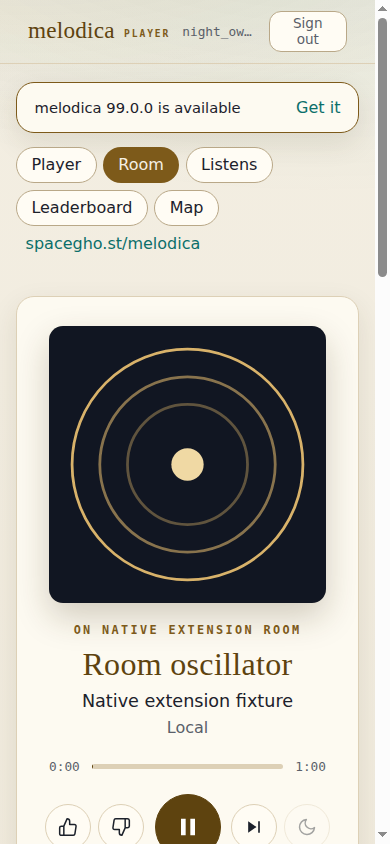
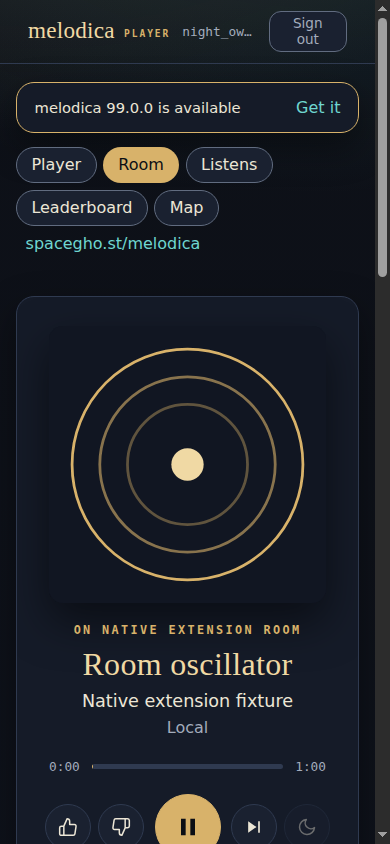
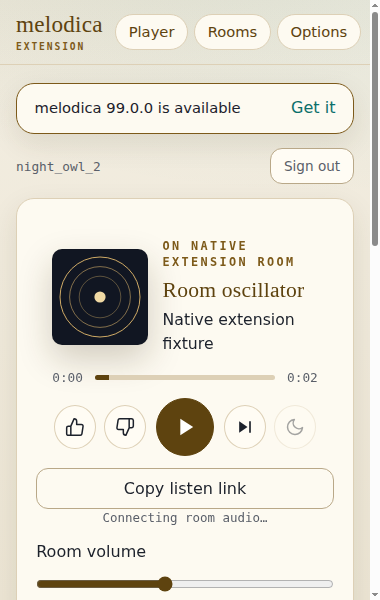
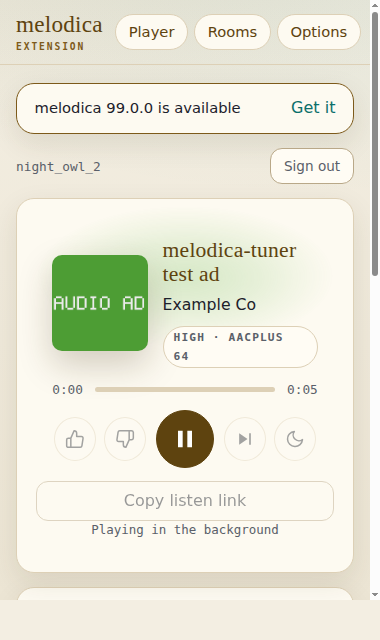
Brave · Brave Browser 157.1.99.55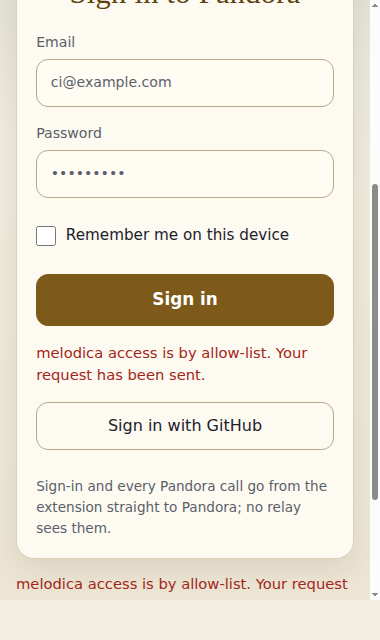
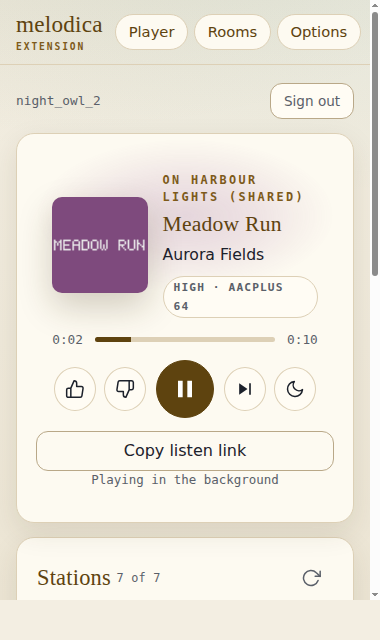
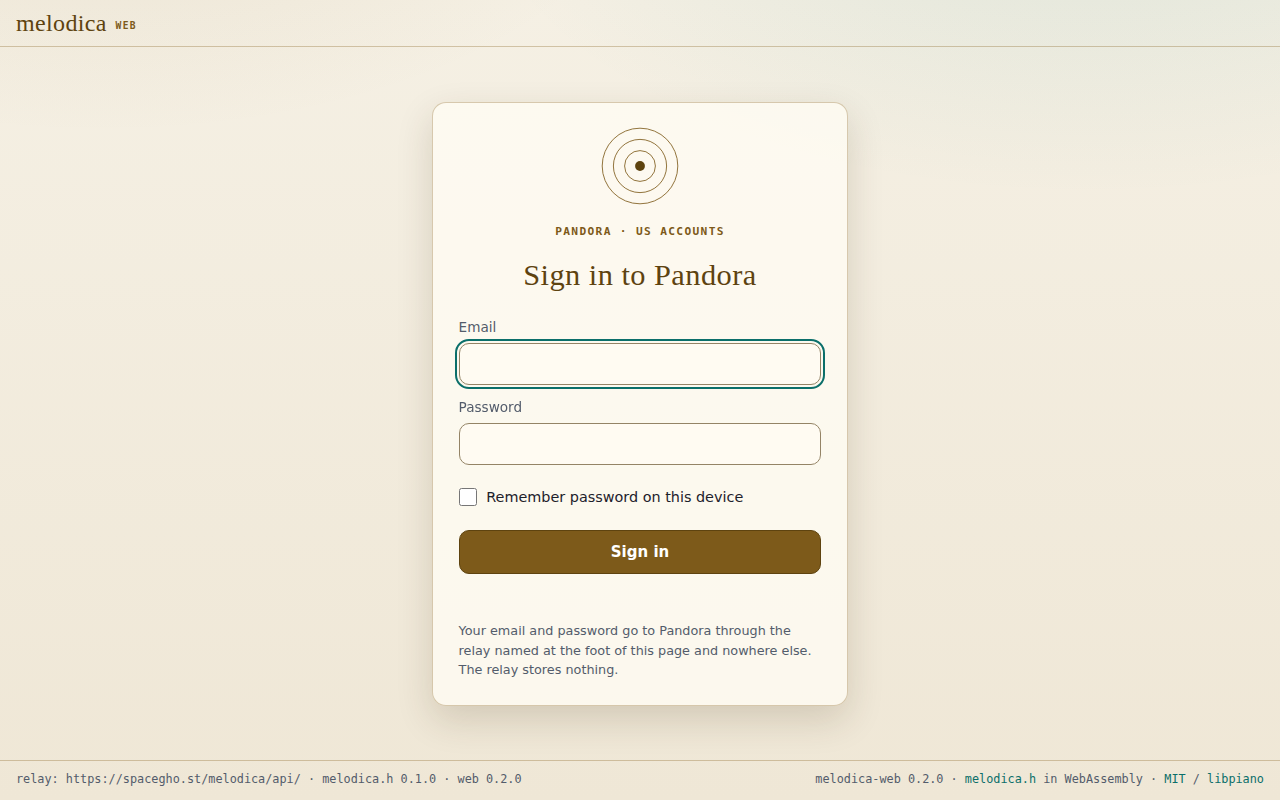
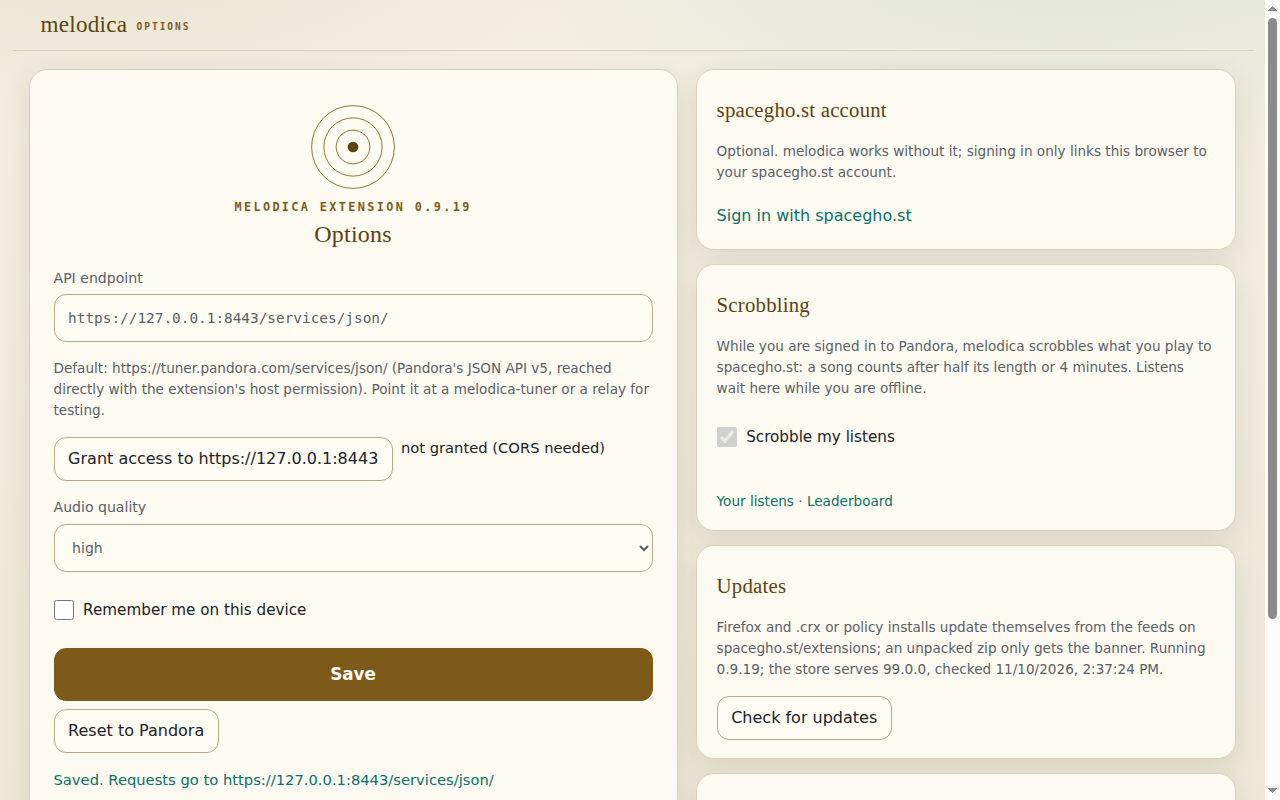
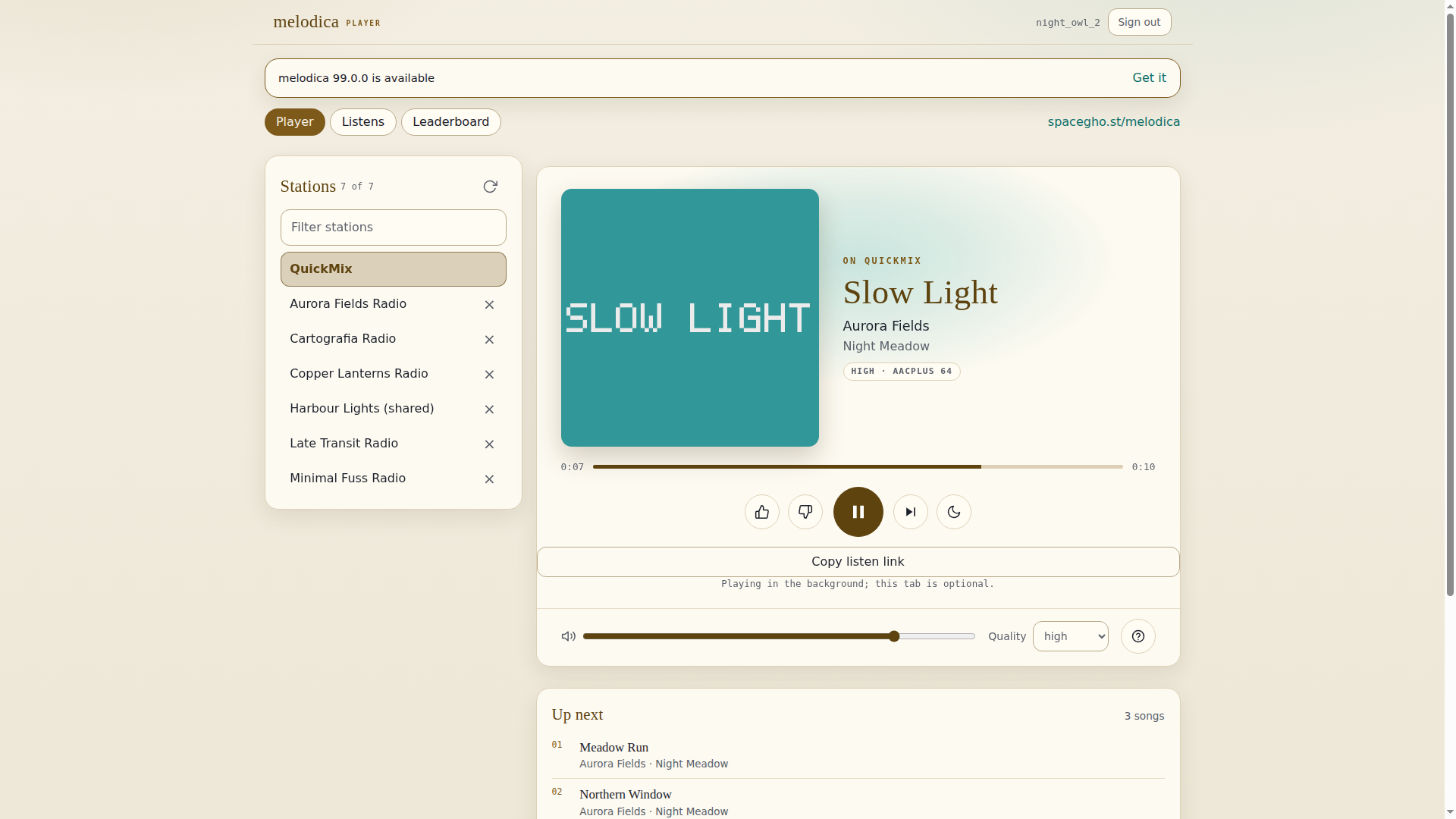
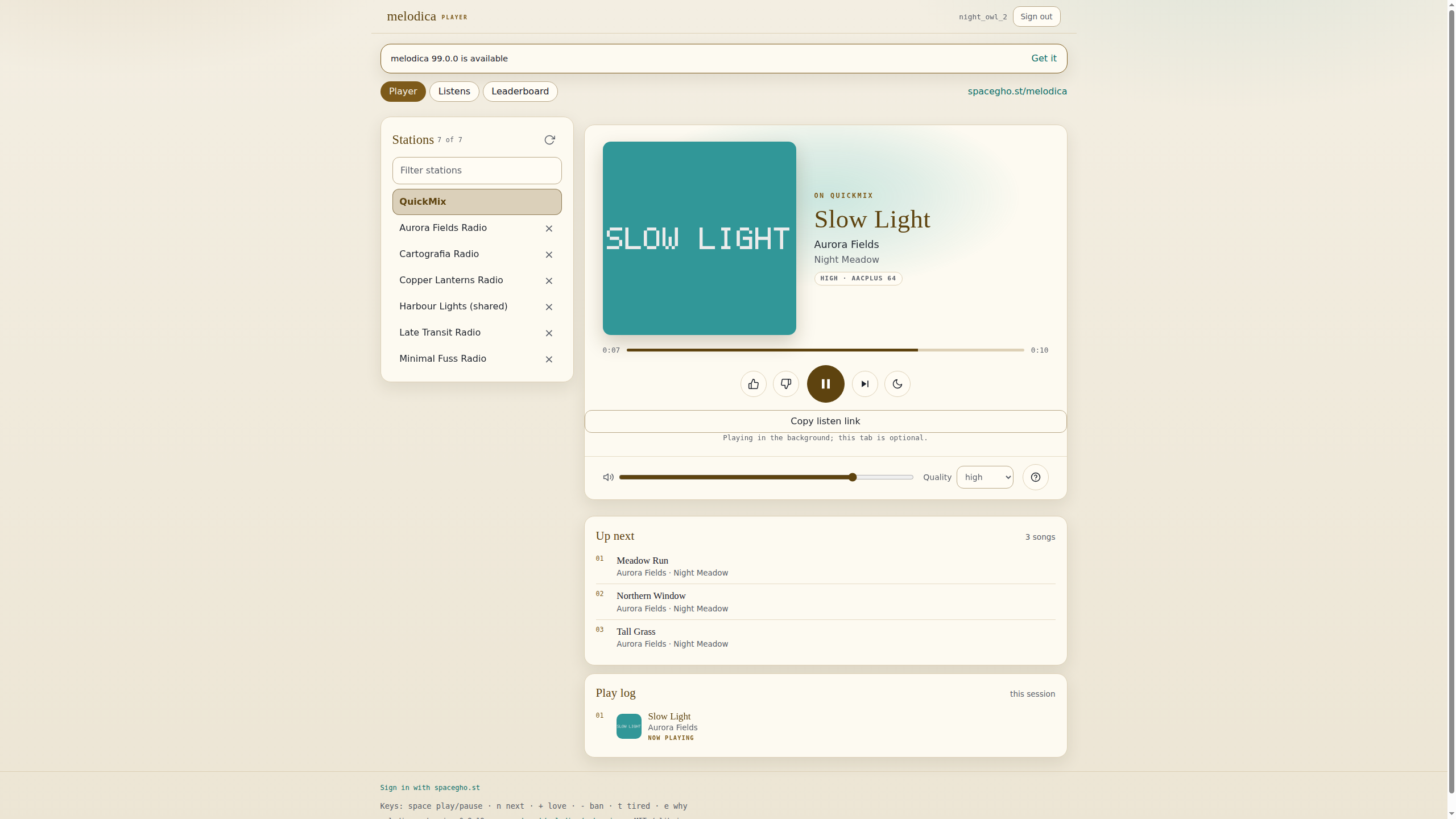
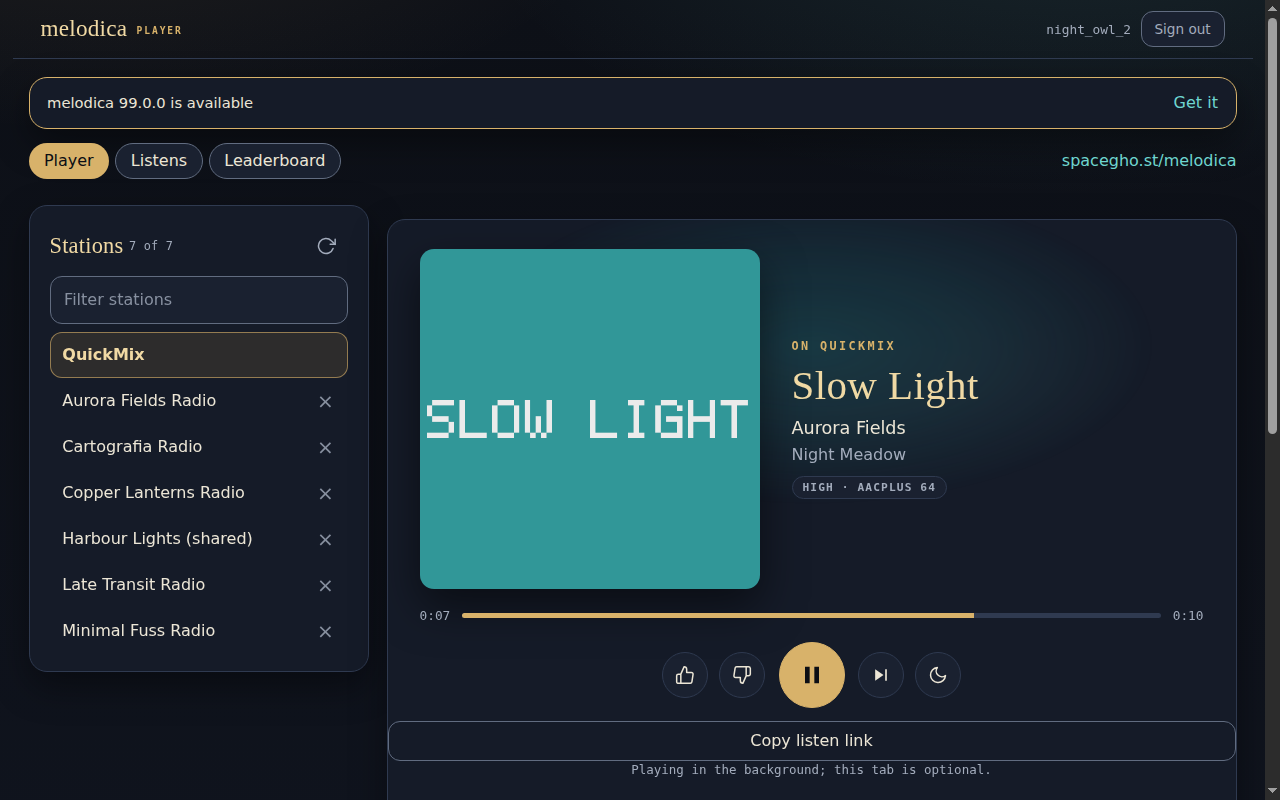
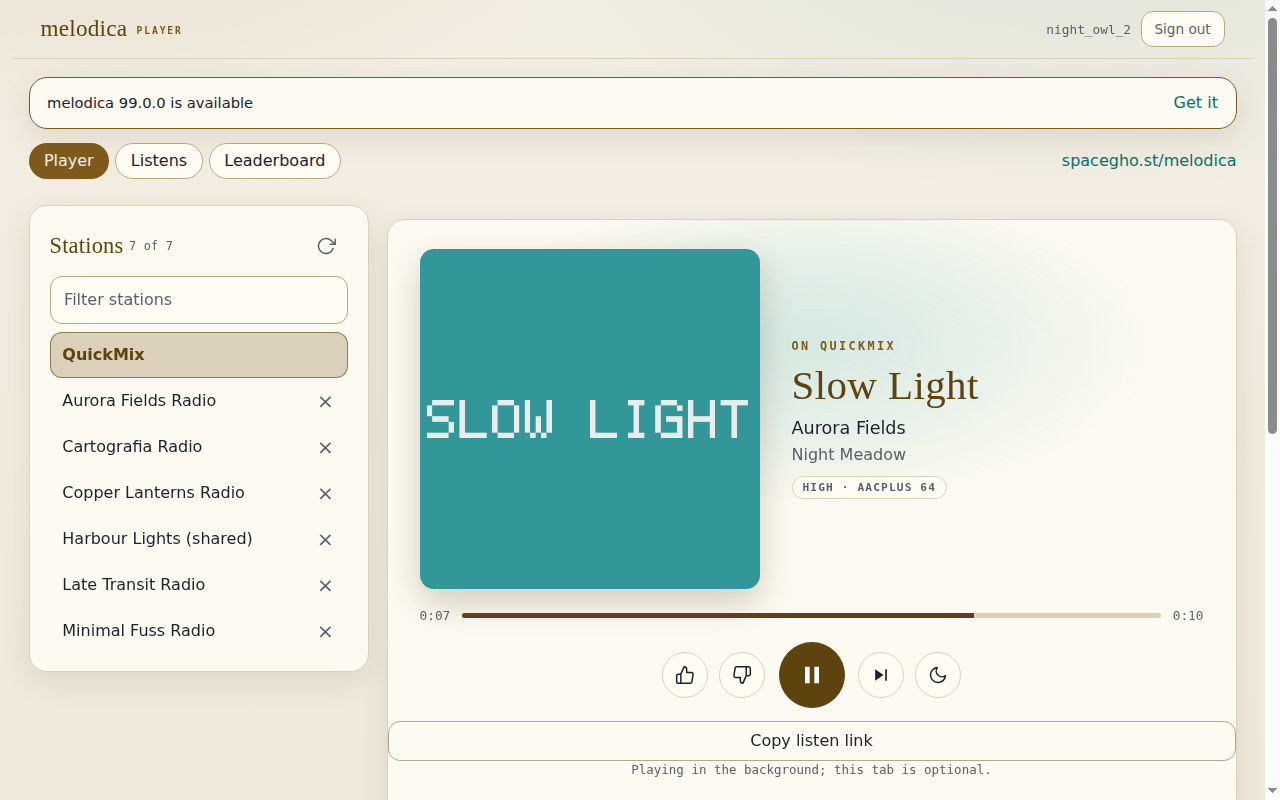
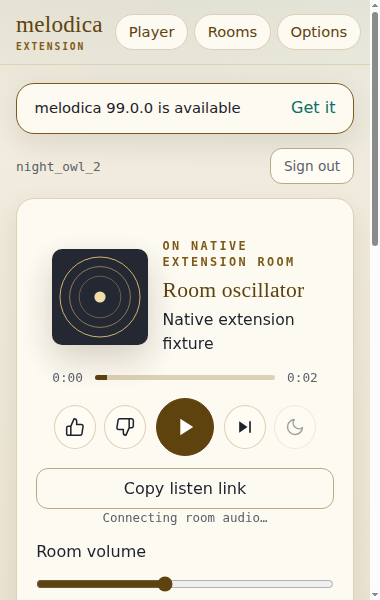
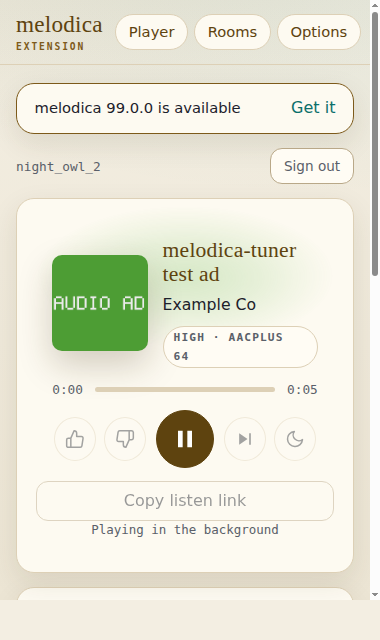
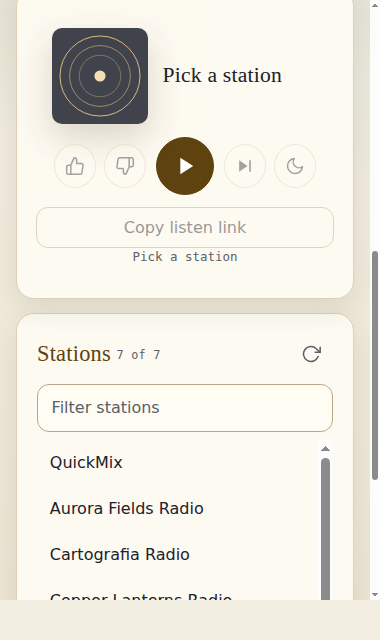
Firefox · Mozilla Firefox 160.0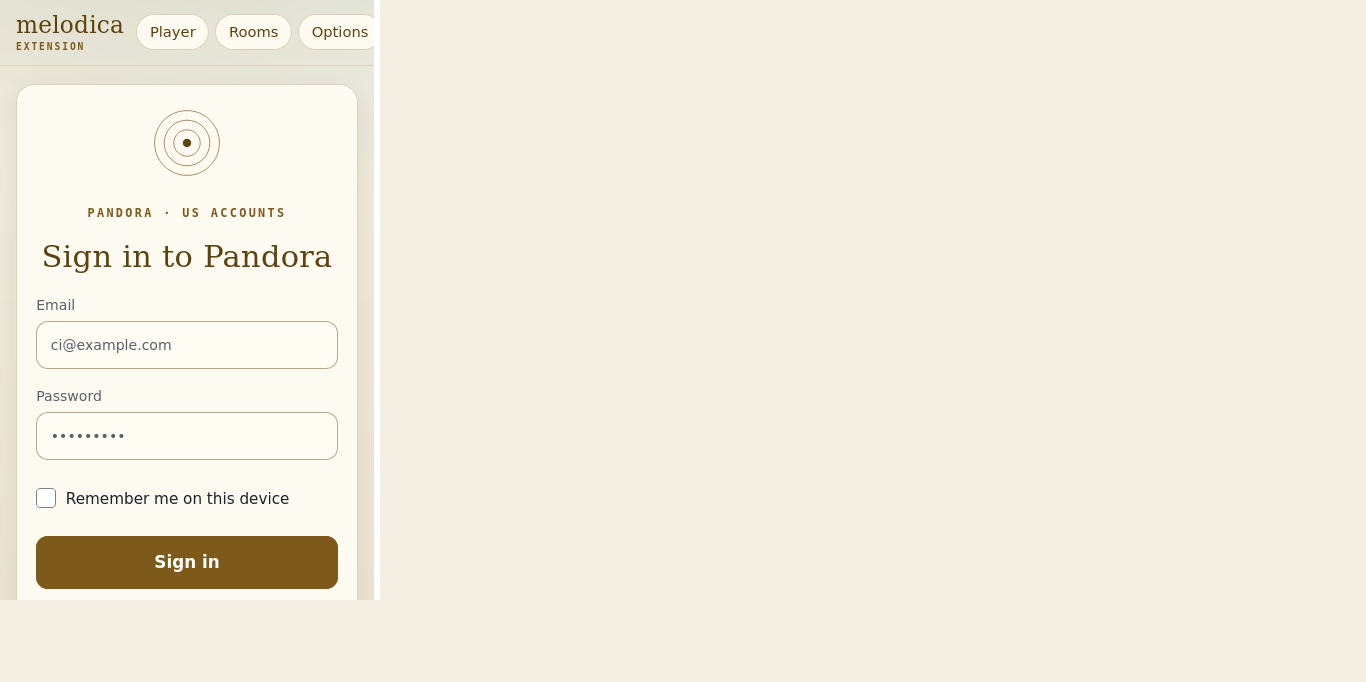
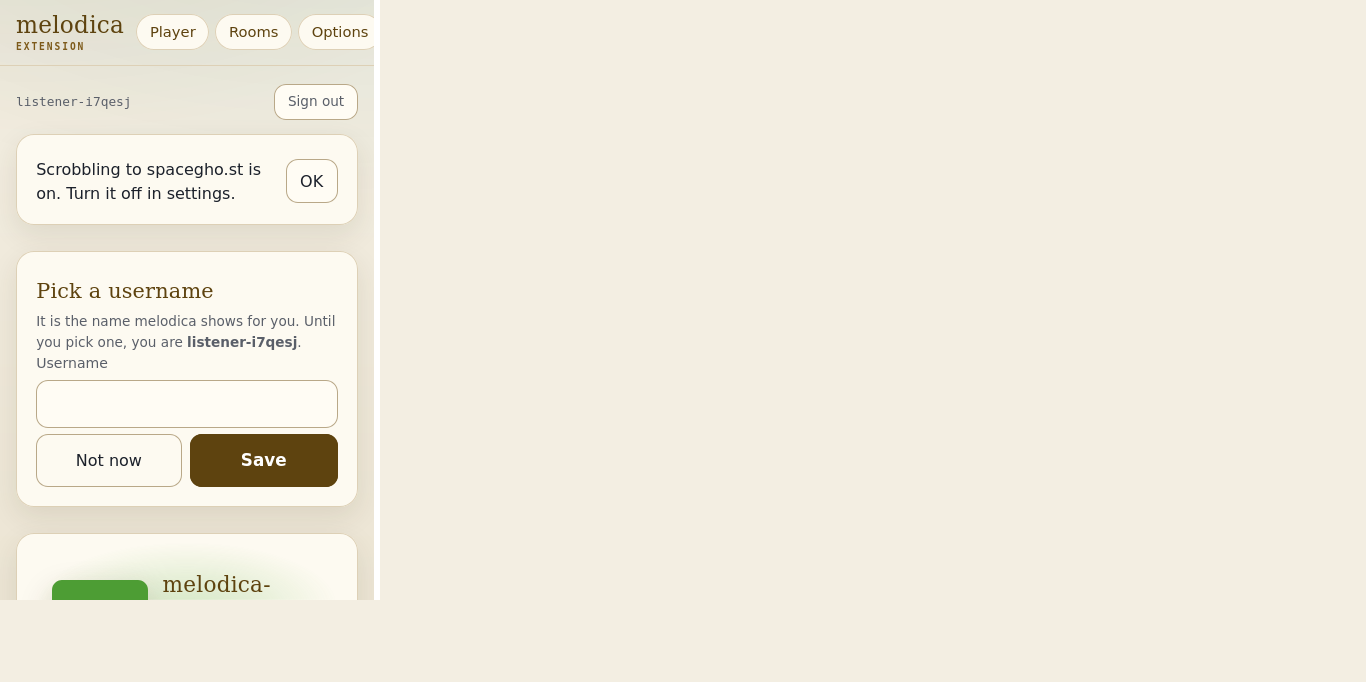
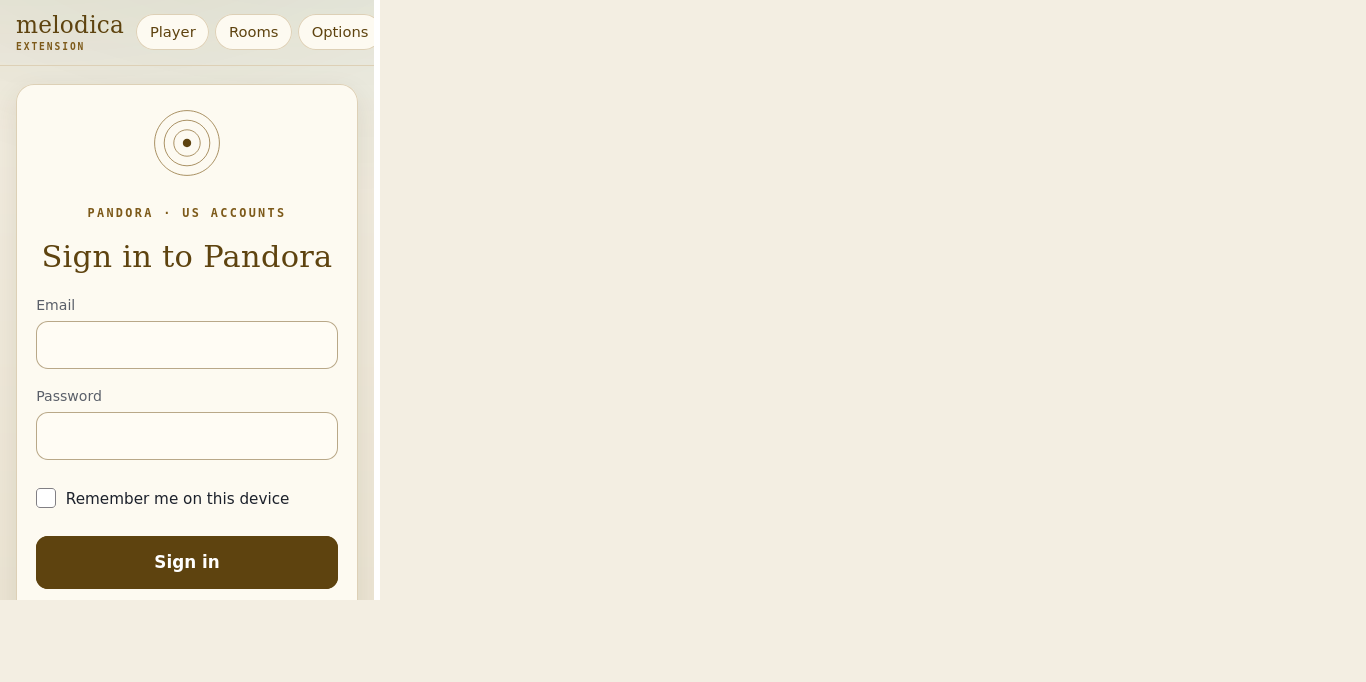
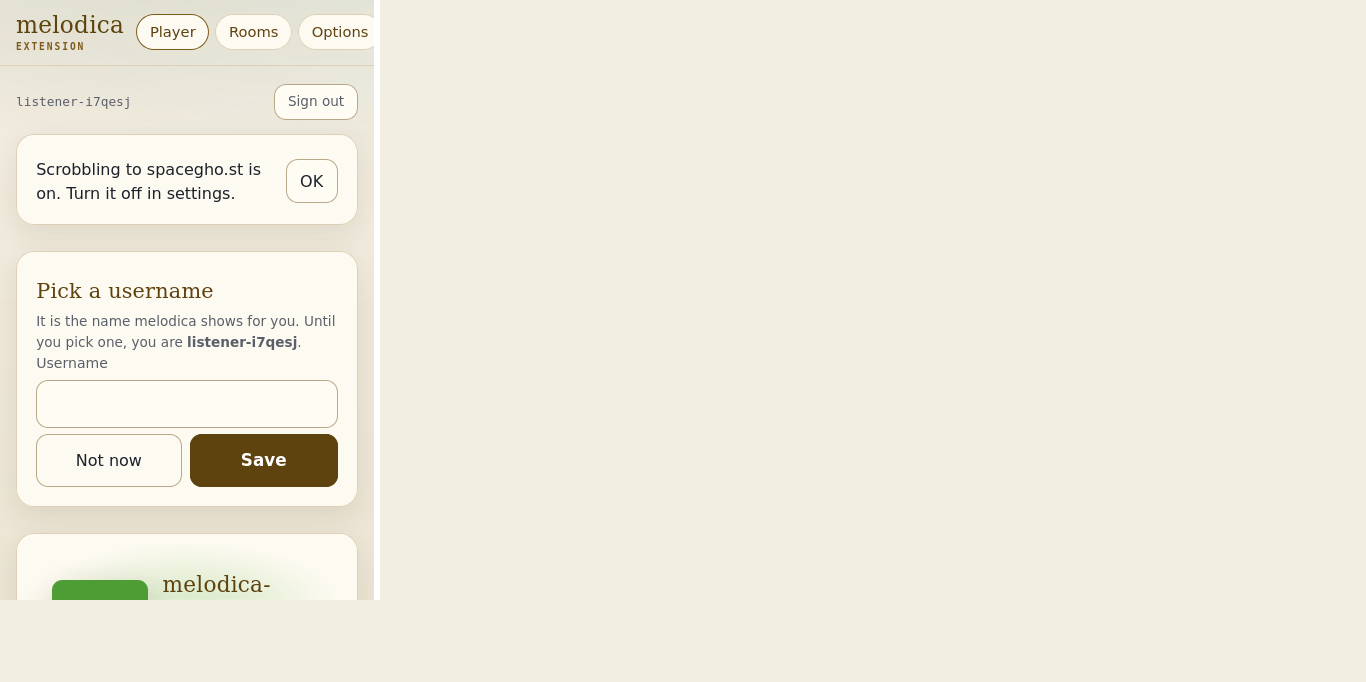
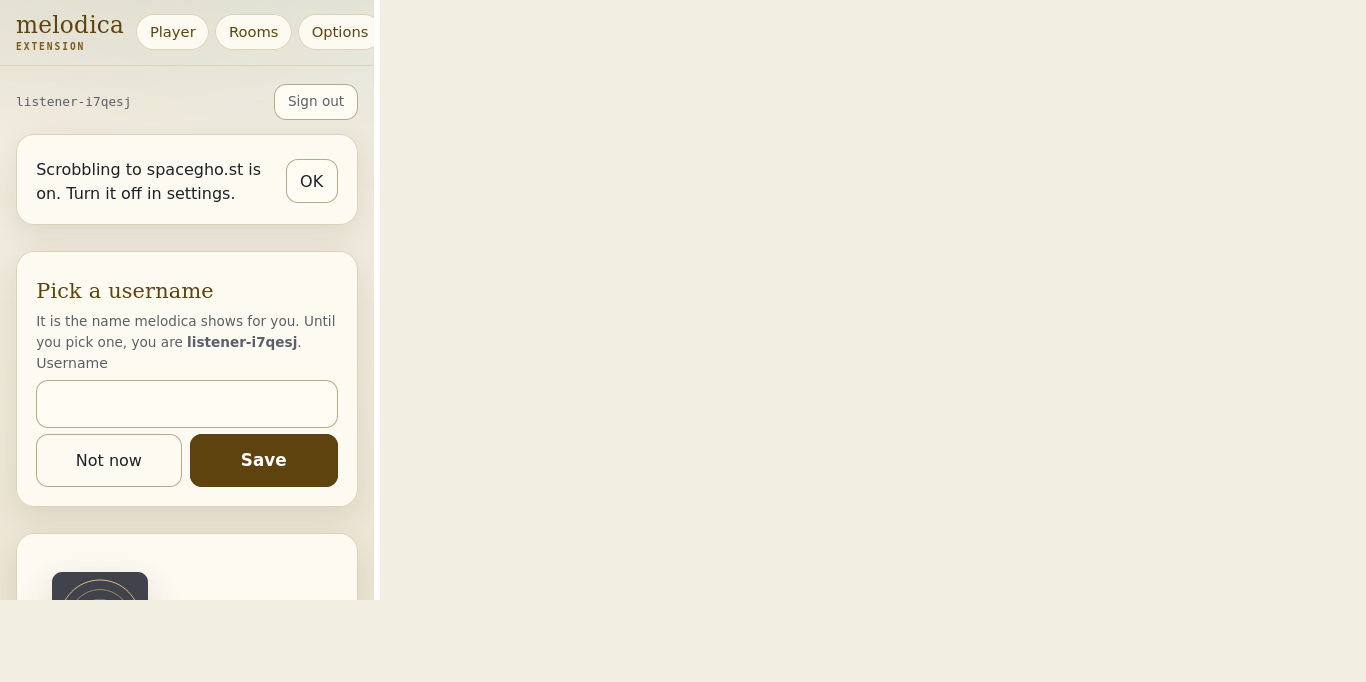
How to install in Firefox
This file is signed by Mozilla (unlisted), so any Firefox 128 or newer installs it: click the button, then "Add" in the prompt Firefox shows.
Firefox checks updates.json for new versions of add-ons installed this way. The install prompt itself has not been exercised by CI; when a Firefox report appears above, the Firefox build was installed as a temporary add-on in a real Firefox by CI (earlier releases only linted it).
How to install in Chrome, Edge or Brave
Chrome, Edge and Brave only install extensions from their stores unless you take one of these routes. Brave uses the Chrome build unchanged (it is a Chromium browser and takes Chrome extensions). None of these install routes has been exercised by CI: the smoke tests load the same unpacked build into Chromium and into Brave.
- Linux, Chrome / Chromium / Edge / Brave: download melodica-extension-0.9.19.crx, open
chrome://extensions(edge://extensions,brave://extensions), turn on Developer mode, and drag the file onto the page. The browser will warn that it is not from the store; choose "Add extension". - Windows and macOS (and Linux without Developer mode), Chrome / Edge: off-store .crx files are blocked, so load it unpacked: download melodica-extension-0.9.19-chrome.zip, unzip it, open
chrome://extensions, turn on Developer mode, "Load unpacked", pick the folder. An unpacked load does not auto-update. - Brave (any OS): the same unpacked route: download and unzip melodica-extension-0.9.19-chrome.zip, open
brave://extensions, turn on Developer mode (top right), "Load unpacked", pick the unzipped folder. Brave blocks off-store .crx files on Windows and macOS exactly as Chrome does. Brave Shields need no change: the extension's requests to Pandora come from the extension itself, not from a web page, so Shields' per-site settings do not apply to them (the Brave CI run lists every request Brave blocked; see its report above). - Managed machines (any OS): an enterprise policy that allows this origin and force-installs from the update feed; the browser then installs and updates it like a store extension. The id is
obbahflgghfemmpmjppeibnemibgblbd. Brave honours the same ChromiumExtensionInstallSources/ExtensionInstallForcelistpolicies.Policy snippet
Linux:
/etc/opt/chrome/policies/managed/spaceghost-extensions.json(Chromium:/etc/chromium/policies/managed/, Edge:/etc/opt/edge/policies/managed/, Brave:/etc/brave/policies/managed/). Windows: the same two keys underHKLM\Software\Policies\Google\Chrome(…\Microsoft\Edge,…\BraveSoftware\Brave). macOS: the same keys in thecom.google.Chrome(com.microsoft.Edge,com.brave.Browser) managed preferences.{ "ExtensionInstallSources": [ "https://spacegho.st/extensions/*" ], "ExtensionInstallForcelist": [ "obbahflgghfemmpmjppeibnemibgblbd;https://spacegho.st/extensions/dl/melodica-extension/update.xml" ] }
Installed from the .crx or by policy, Chrome, Edge and Brave check update.xml for new versions.
All files and checksums (5)
-
Firefox add-on
melodica-extension-0.9.19.xpi
474 KB
release page ↗
af371cbfdc86a71ab0827b24d69bd4a9bf20d6270704dec7cd2238d543196b18 -
Chrome / Edge / Brave extension
melodica-extension-0.9.19.crx
440 KB
release page ↗
8ba8050bbe71f3c32b83eccbb52ca6cd10c1347f943cf3fc0061d7af053c1698 -
Firefox, unpacked zip
melodica-extension-0.9.19-firefox.zip
440 KB
release page ↗
1aacd1e3f174761e711cfdf3e96c5ed0ad70ef31d44c478f260b2d72062f5b5c -
Chrome / Edge / Brave, unpacked zip
melodica-extension-0.9.19-chrome.zip
439 KB
release page ↗
af0d7a07c067e5b3ac0d9ad60d14d4047fdb8d7b5b32de4f1888e4e20c3acc46 -
Checksums
SHA256SUMS
7 KB
release page ↗
d2ef6c9433eb3d86361078ef01fe3b8d3ec45f12a542e9f3440e6a897af8d933
What it does with your data
Before the Pandora login, and again at start-up and hourly, the extension asks spacegho.st/oauth/melodica/access whether the login may go ahead and shows its answer. The password never goes there.
Sign in with spacegho.st is optional. Its tokens are kept in the extension's storage until you sign out (which revokes them) and are sent only to spacegho.st.
Your Pandora login goes from the extension straight to tuner.pandora.com (or the endpoint you set on the options page). No relay sees it.
With "Remember me on this device" ticked, the Pandora session and login are sealed with AES-GCM under a key that cannot be exported, kept in the extension's own IndexedDB; extension storage holds only the ciphertext, never the password, and nothing is synced. At start-up the session is resumed; the password is used only when Pandora ends the session. Signing out or unticking it deletes the sealed login and the key.
The bridge forwards bytes between the web player page and Pandora and stores nothing; when the page subscribes, it also sends the page what is playing (never the audio URL) and takes its play, pause, skip and rating commands. Signed in on the web player or the extension means signed in on both: the Pandora session (and, while "Remember me" is ticked, the login) passes between the extension and that page only, and signing out on either signs out both.
When you DJ in a Room, the extension sends the captured player audio through the spacegho.st Rooms relay so room members on different devices can listen together in rough sync. Room playback state and timing are shared for coordination. The relay does not receive your Pandora password; listeners can join without signing in to Pandora.
The extension checks its published update feed periodically, in addition to the browser's own update checks. It also makes the spacegho.st access, account, Rooms and scrobbling requests described here. It does not send analytics.
Scrobbling is on by default and can be turned off on the options page: while you are signed in to Pandora, the extension sends what you play (artist, title, album, length, cover URL and Pandora's description of the song's sound) to spacegho.st/scrobble under your melodica account, once a song has played half its length or 4 minutes. Listens that cannot be sent wait in the extension's storage (at most 50) until they can. Nothing is sent before the first-run notice saying scrobbling is on.
Album art is cached: spacegho.st keeps a copy of each cover it is sent and serves the panels from that copy.
Resume: the extension keeps the song it played last on this device (sealed in its own storage) and a copy of that song's audio while it plays, so it can pick up where it stopped after a restart; neither leaves the browser, and signing out of Pandora deletes both.
The popup's recent listens and the player tab's Listens, Leaderboard and Map panels read spacegho.st/scrobble/api and its live channel with the same melodica token; their code ships inside the extension (nothing is loaded from the web). The Map shows only for accounts signed in with GitHub.
In Brave the extension runs with Shields at their defaults: its Pandora requests are made by the extension, not by a web page, so Shields' per-site settings do not apply to them, and the bridge for spacegho.st/melodica/app/ is a content script answering that page's messages, which Shields do not touch either. The Brave CI run lists every request Brave blocked in its report (smoke-brave.json, field "blocked").
Permissions it asks for
storagesettings, and the sealed login while "Remember me" is tickedoffscreen (Chrome, Brave, Edge)plays the music in a hidden extension document so no tab has to stay open; Firefox plays it in the extension's background page insteadidentitythe optional "Sign in with spacegho.st" window (browser.identity.launchWebAuthFlow); melodica works without ithttps://tuner.pandora.com/*, https://*.pandora.com/*, https://*.p-cdn.us/*, https://*.p-cdn.com/*connects directly to Pandora's API and audio CDNs for radio playback and prepares readable DJ audio; Pandora credentials are never sent to the Rooms relayhttps://spacegho.st/oauth/*the spacegho.st access check before the Pandora login, and the optional spacegho.st accounthttps://spacegho.st/scrobble/*room discovery, shared playback and timing, listening history, and account controlshttps://spacegho.st/extensions/*checks the published release and browser update feedsoptional: https://*/*, http://*/*only if you point it at another endpoint on the options page and click "Grant access"content script on https://spacegho.st/melodica/* and https://spacegho.st/listen/*the bridge for the web player, rooms and listen links; it answers only those pages' messages, and shares the Pandora sign-in with the web player so signing in or out on one signs in or out on both
- Firefox: updates itself from updates.json (checked daily by Firefox; currently 0.9.19).
- Chrome / Brave / Edge: a .crx or policy install updates itself from update.xml (currently 0.9.19); an unpacked zip cannot, and the extension shows a "new version available" banner instead.
Firefox id melodica-extension@spacegho.st
Chrome id obbahflgghfemmpmjppeibnemibgblbd
updates.json
update.xml